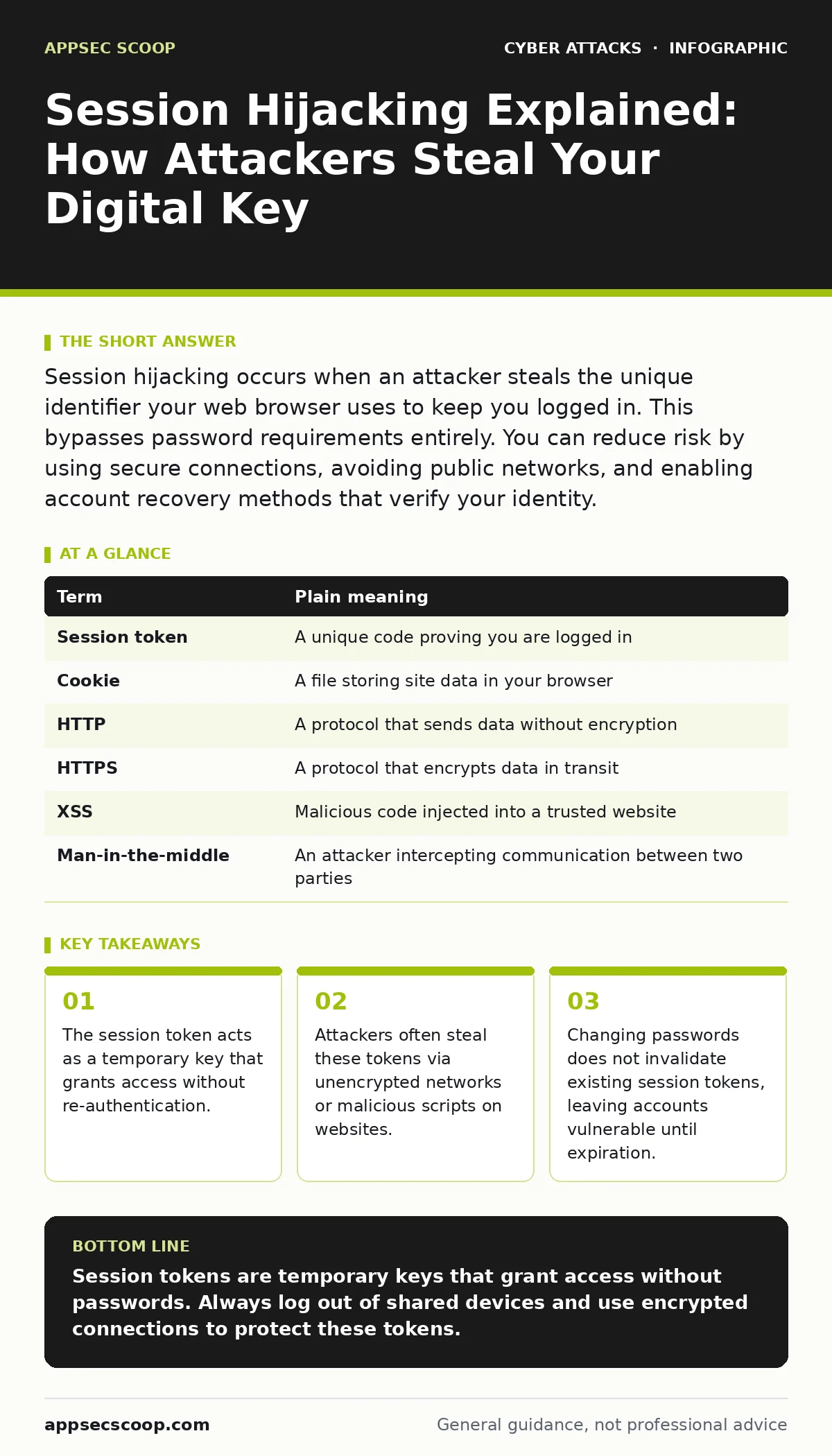
Session hijacking occurs when an attacker steals the unique identifier your web browser uses to keep you logged in. This bypasses password requirements entirely. You can reduce risk by using secure connections, avoiding public networks, and enabling account recovery methods that verify your identity.
The Hotel Key Card Analogy
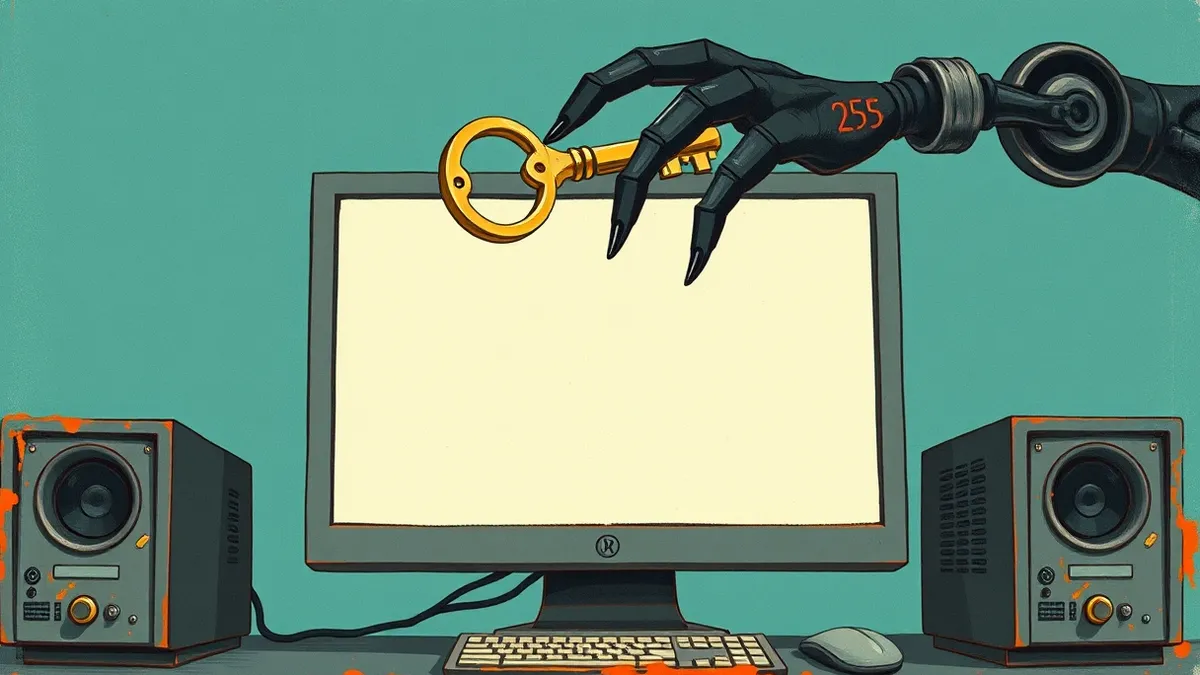
Imagine checking into a hotel. You present your ID and credit card at reception. This is the login phase. The receptionist gives you a plastic key card. This card is the session token. You use the card to enter your room. You do not show your ID to the door lock every time. The lock only checks the card. If someone steals your card, they can enter your room. They do not need your ID. They do not need your credit card. They only need the card you are carrying. This is how session hijacking works.
What Is a Session Token?
When you log in, the server creates a unique string of characters. This is the session token. Your browser stores this token in a cookie. A cookie is a small piece of data stored by your web browser. Every time you click a link on that site, your browser sends the cookie. The server reads the cookie and grants access. This mechanism allows you to stay logged in. It saves you from typing your password for every page load. The trade-off is convenience versus security. If the token is exposed, access is granted.
How Attackers Steal the Token
Attackers rarely guess passwords. They look for tokens in transit. Imagine walking through a crowded market. You hold your key card openly. Someone bumps into you and copies the pattern on the card. This is packet sniffing. It happens on unsecured Wi-Fi networks. Data travels in plain text. Anyone on the network can read it. Another method is cross-site scripting. This is where malicious code runs in your browser. It can read your cookies and send them to the attacker. The attacker now holds a copy of your key card.
| Term | Plain meaning |
|---|---|
| Session token | A unique code proving you are logged in |
| Cookie | A file storing site data in your browser |
| HTTP | A protocol that sends data without encryption |
| HTTPS | A protocol that encrypts data in transit |
| XSS | Malicious code injected into a trusted website |
| Man-in-the-middle | An attacker intercepting communication between two parties |
The Hidden Cost of Password Changes
Many users believe changing their password stops an attack. This is a common misconception. Changing your password does not invalidate existing session tokens. The server still recognises the old token. The attacker retains access until the session expires. This is a critical flaw in basic security models. It means the window of exposure is longer than users expect. You must explicitly log out of all devices to terminate sessions. This forces the server to discard the old tokens.
Everyday Safety Habits for Users
You can reduce the risk of token theft through simple habits. First, always use HTTPS connections. This encrypts the token in transit. It prevents sniffing on public Wi-Fi. Second, avoid logging into sensitive accounts on shared computers. The token may remain in the browser cache. Third, enable multi-factor authentication. This adds a layer of protection. Even if the token is stolen, the attacker may need a second factor for sensitive actions. This aligns with broader cyber hygiene practices.
Step 1: Verify Secure Connections
Look for the padlock icon in your browser address bar. This indicates an encrypted connection. If the site uses HTTP, do not log in. The data is visible to anyone on the network. Encrypted connections hide the token from casual observers. This is the first line of defence against interception.
Step 2: Use Private Browsing Modes
Private or incognito modes delete cookies when you close the window. This ensures session tokens are not left on shared devices. It reduces the chance of someone finding your active session. It does not make you anonymous, but it cleans up your local trace. This is a simple habit that prevents token persistence.
Step 3: Monitor Active Sessions
Many services show a list of active devices. Check this list regularly. Look for unfamiliar locations or device types. If you see something suspicious, log out of that session immediately. This terminates the token associated with that device. It is a proactive way to detect hijacking attempts.
See also: Web Cache Poisoning Warning Signs and Detection Methods · Stop Session Fixation: Binding Tokens to Users and Devices
Why Standard Advice Falls Short
Standard advice focuses on password strength. This ignores the session lifecycle. A strong password is useless if the token is stolen. The attack happens after authentication. This is why endpoint protection is often insufficient. It protects the device, not the network traffic. You need network-level security. This is where zero trust security models become relevant. They assume no connection is safe. They verify each request, not just the initial login.
The Role of Web Application Defences
Developers must secure the application. They should set the "HttpOnly" flag on cookies. This prevents JavaScript from reading the cookie. It blocks cross-site scripting attacks. They should also set the "Secure" flag. This ensures the cookie is only sent over HTTPS. These are simple settings. They significantly reduce the attack surface. Without them, the application is vulnerable to common exploits. This is part of effective web skimming prevention strategies.
What This Means for Ordinary Users
Session hijacking is invisible. You may not notice the breach. The attacker can change settings, steal data, or make purchases. You might only realise something is wrong when you see unauthorised activity. By then, the damage is done. Understanding the mechanism helps you react faster. You know that logging out is the immediate remedy. You know that public Wi-Fi is a high-risk environment. This knowledge shifts your behaviour from passive to active.
Key takeaways
- The session token acts as a temporary key that grants access without re-authentication.
- Attackers often steal these tokens via unencrypted networks or malicious scripts on websites.
- Changing passwords does not invalidate existing session tokens, leaving accounts vulnerable until expiration.
Session tokens are temporary keys that grant access without passwords. Always log out of shared devices and use encrypted connections to protect these tokens.
Frequently asked questions
Can session hijacking happen on my home Wi-Fi?
Yes, if your home network is compromised or if you visit a malicious website. The attacker does not need to be on the same physical network to inject code.
Does clearing my browser cache stop session hijacking?
Clearing cookies and cache will terminate active sessions on that browser. It removes the stored tokens, forcing you to log in again and receive new tokens.
Is two-factor authentication enough to prevent hijacking?
Two-factor authentication secures the login process. It does not always protect the session token once issued. Some implementations require re-verification for sensitive actions.
How long does a session token last?
Duration varies by service. Some expire after hours, others after days or weeks. Longer sessions increase the window of opportunity for attackers to exploit a stolen token.
How this guide was produced: written by the AppSec Scoop editorial team with AI assistance, checked against the public references listed below, and reviewed when the facts change. See our editorial policy or report an error.