
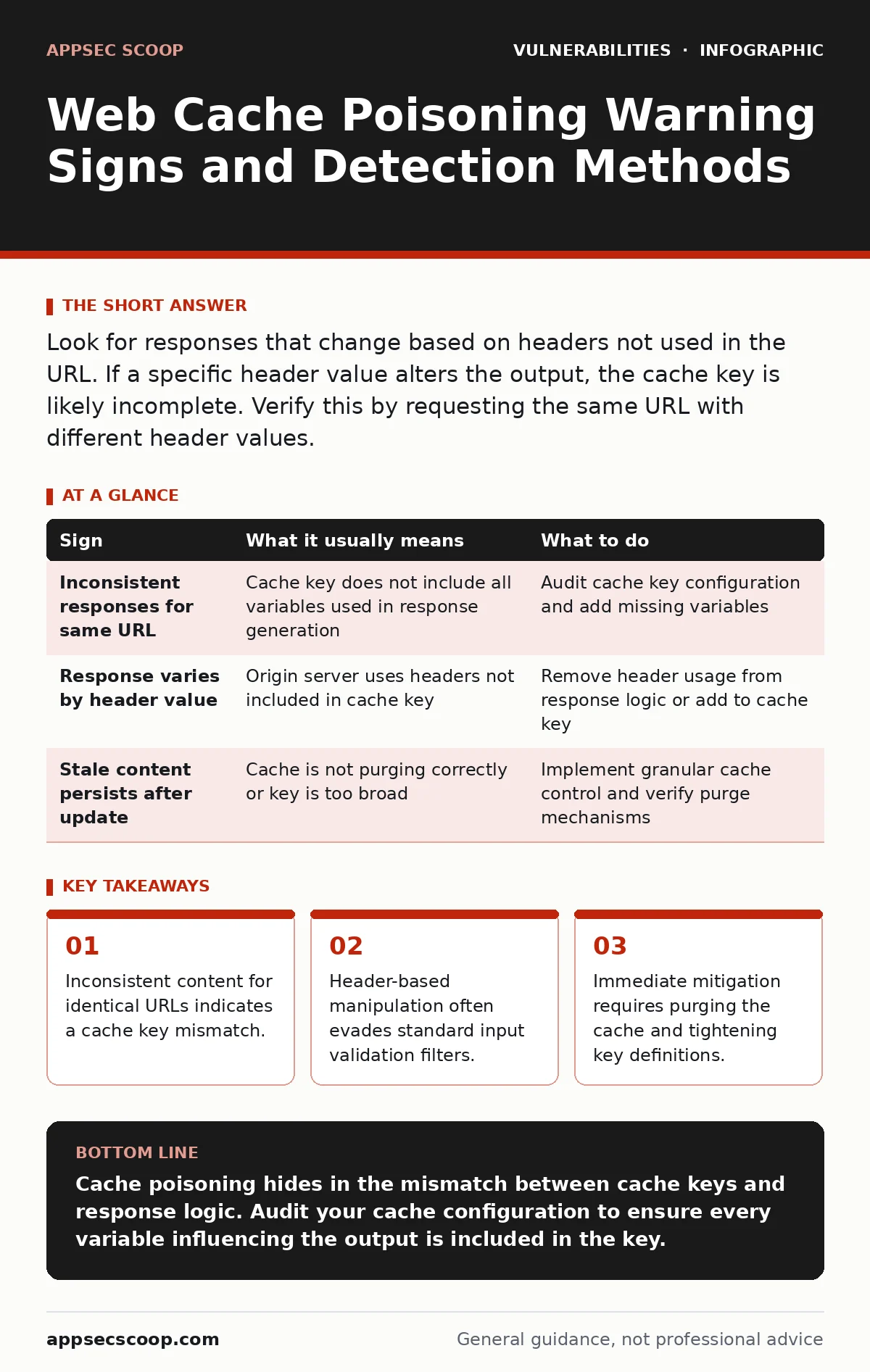
Look for responses that change based on headers not used in the URL. If a specific header value alters the output, the cache key is likely incomplete. Verify this by requesting the same URL with different header values.
The Silent Content Shift
Web cache poisoning exploits the gap between how a cache server identifies content and how the origin server generates it. Caches store responses based on a key, usually the request URL. If the origin server includes data from other parts of the request, such as headers, in the response, the cache may store a poisoned version. This version serves malicious content to every subsequent user who requests that URL.
You rarely see a crash or an error message. Instead, you witness a subtle divergence in behaviour. One user sees the standard page, while another sees injected script or altered text. This inconsistency is the primary warning sign. It suggests the cache is serving a response that does not match the expected content for that specific resource.
Early Indicators of Manipulation
This content might be a small piece of JavaScript or a modified image. The user may claim the site is broken or displaying strange characters. These reports are often dismissed as browser glitches or local issues. They are not.
Imagine a user reports seeing a "Hello" message on a page that should be blank. Another user on a different device sees nothing. This divergence points to a caching issue. The cache has stored a response that includes the "Hello" message. It serves this response to anyone else requesting the same URL, regardless of their input. The origin server never intended to serve that message to everyone.
Subtle Signals in Headers
More experienced observers look at the request headers. Caches often ignore certain headers when building the cache key. If the origin server uses these ignored headers to modify the response, the cache becomes vulnerable. Common culprits include X-Forwarded-Host, X-Original-URL, and Accept-Language.
Suppose you send two identical GET requests to the same URL. The only difference is the X-Forwarded-Host header. If the responses differ, you have found a potential poisoning vector. The cache treats both requests as identical because it ignores that header. However, the origin server uses the header to generate different content. The cache stores the first response and serves it to all future requests.
| Sign | What it usually means | What to do |
|---|---|---|
| Inconsistent responses for same URL | Cache key does not include all variables used in response generation | Audit cache key configuration and add missing variables |
| Response varies by header value | Origin server uses headers not included in cache key | Remove header usage from response logic or add to cache key |
| Stale content persists after update | Cache is not purging correctly or key is too broad | Implement granular cache control and verify purge mechanisms |
The Hidden Cost of Validation
Input validation is often touted as a defence. It is not sufficient here. Validation checks the data, but it does not check how the cache stores it. You can have perfect input validation and still suffer from cache poisoning. The vulnerability lies in the cache configuration, not the input itself.
This is a non-obvious consequence. Teams spend hours securing input fields against injection attacks. They forget that the cache is a separate system with its own logic. The cache does not care about your validation rules. It only cares about the key. If the key is wrong, the cache is wrong.
Missed Signals in Logs
Server logs often miss the nuance. They record the URL and the status code. They rarely record the full header set used to generate the response. If you rely solely on logs, you will miss the poisoning. The logs show successful requests. They do not show that the response content was manipulated by a header.
You need to correlate cache logs with origin server logs. This is difficult because they are often separate systems. The cache log shows the key used. The origin log shows the headers received. Without linking these, you cannot see the mismatch. This gap is where most incidents remain undetected for months.
Immediate Response Steps
When you suspect poisoning, act quickly. First, purge the cache. This removes the poisoned response. It does not fix the root cause. Next, audit the cache key configuration. Ensure that every variable used in the response is included in the key. If a header changes the output, it must be part of the key.
Consider the trade-offs. Adding more variables to the key reduces cache hit rates. This increases load on the origin server. You must balance security with performance. Do not add every header to the key. Only add those that actually influence the response. This is a delicate balance.
Long-Term Mitigation Strategies
Prevention requires a shift in how you design caching. Adopt a secure software development lifecycle that includes cache configuration reviews. Treat cache keys as security controls. Just as you review code for injection flaws, review cache keys for completeness.
Avoid relying on default cache settings. Defaults are often too broad. They ignore headers that your application might use. Configure the cache explicitly. Define exactly which headers and cookies are part of the key. This reduces the attack surface. It also makes debugging easier.
The Role of Standard Frameworks
Understanding attack vectors in CVSS helps you prioritise fixes. Cache poisoning often has a high severity because it affects all users. It is not a single-user issue. It is a systemic issue. Recognising this helps you allocate resources effectively.
You should also consider open redirect vulnerabilities. These often coexist with cache poisoning. An attacker might use a cache-poisoned redirect to phish users. Addressing both issues together provides better protection. Do not treat them in isolation.
Key takeaways
- Inconsistent content for identical URLs indicates a cache key mismatch.
- Header-based manipulation often evades standard input validation filters.
- Immediate mitigation requires purging the cache and tightening key definitions.
Cache poisoning hides in the mismatch between cache keys and response logic. Audit your cache configuration to ensure every variable influencing the output is included in the key.
Frequently asked questions
Does using a CDN prevent web cache poisoning?
No. CDNs are caches. If the CDN’s cache key configuration is incomplete, it can be poisoned just like any other cache.
How do I know if my cache key is secure?
Test by sending identical URLs with different header values. If the response changes, your key is likely incomplete.
Can I fix this by just purging the cache?
Purging removes the current poison, but it does not prevent future attacks. You must fix the cache key configuration.
Is this related to session fixation?
No. Session fixation involves stealing session IDs. Cache poisoning involves manipulating stored content. They are distinct mechanisms.
How this guide was produced: written by the AppSec Scoop editorial team with AI assistance, checked against the public references listed below, and reviewed when the facts change. See our editorial policy or report an error.