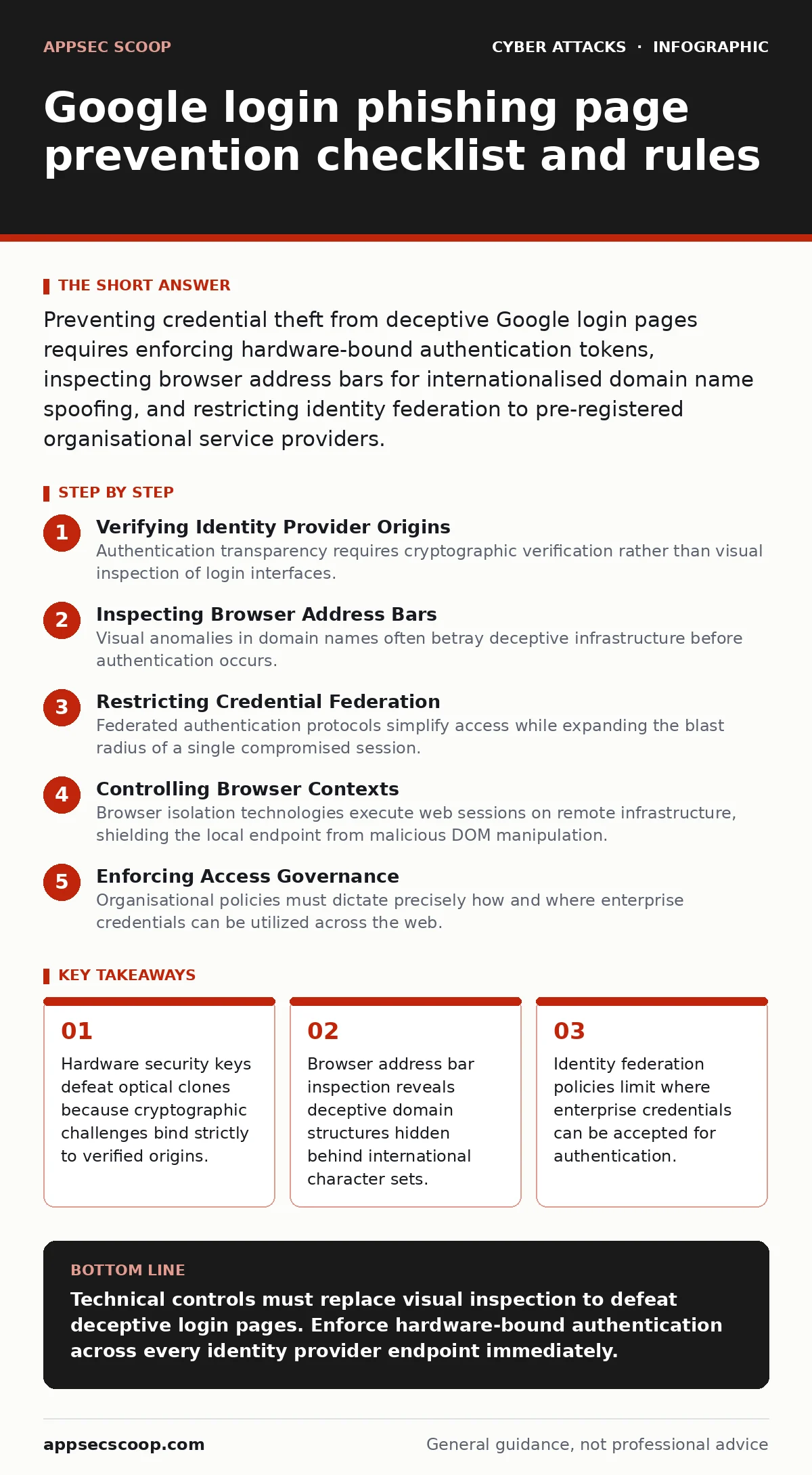
Preventing credential theft from deceptive Google login pages requires enforcing hardware-bound authentication tokens, inspecting browser address bars for internationalised domain name spoofing, and restricting identity federation to pre-registered organisational service providers.
Verifying Identity Provider Origins
Authentication transparency requires cryptographic verification rather than visual inspection of login interfaces. Modern credential harvesting frameworks render pixel-perfect replicas of authentication portals, making visual checks unreliable for tired operators. You must rely on browser security indicators that evaluate the underlying connection parameters rather than the graphical elements displayed on the screen.
Identity verification depends on authenticators that communicate directly with the browser security engine. When a domain mismatch occurs, the authenticator refuses to release the cryptographic signature, regardless of how convincing the rendered page appears. Zero trust security models assume every network connection is hostile until proven otherwise by hardware-backed assertions.
- Enforce hardware security keys: Cryptographic challenges bind strictly to verified browser origins and cannot be phished by proxy pages.
- Implement client certificate authentication: Device identity validation prevents foreign browsers from submitting credentials to foreign endpoints.
- Restrict identity provider endpoints: Explicit configuration rules prevent browsers from sending primary tokens to unlisted domains.
Inspecting Browser Address Bars
Visual anomalies in domain names often betray deceptive infrastructure before authentication occurs. Attackers frequently register domains using lookalike characters from different scripts to trick human observers. You need to understand that punycode translation mechanisms convert internationalised domain names into ASCII strings, exposing characters that do not belong to the intended service provider.
Browser address bars display these encoded strings when safety thresholds are breached, but users rarely inspect the raw format. Social engineering tactics rely on urgency to bypass this visual check, driving hurried operators straight into credential capture traps.
- Enable punycode display settings: Raw character strings expose foreign alphabets masquerading as standard service provider names.
- Inspect certificate details manually: Validating the organisational unit on the transport layer certificate exposes mismatched ownership records.
- Monitor subdomain delegation trees: Attackers often nest legitimate-looking service names deep within unrelated primary domains.
Restricting Credential Federation
Federated authentication protocols simplify access while expanding the blast radius of a single compromised session. When an organisation permits external applications to request tokens from a primary identity provider, attackers exploit misconfigured trust relationships. You must audit permission grants regularly to ensure third-party services only receive the minimum scope required for operation.
Session hijacking techniques often begin when an attacker intercepts an authorisation code during the redirect phase of a federated login flow. DMARC policies protect email communication channels, but they do not prevent attackers from sending legitimate-looking authentication requests through compromised partner networks.
- Audit federated application grants: Unused third-party integrations provide persistent backdoors for credential replay attacks.
- Limit token lifespan parameters: Short expiration windows reduce the utility of intercepted authorisation codes.
- Require re-authentication for sensitive actions: High-risk operations demand fresh cryptographic challenges rather than relying on inherited session states.
Controlling Browser Contexts
Browser isolation technologies execute web sessions on remote infrastructure, shielding the local endpoint from malicious DOM manipulation. When an employee encounters a deceptive login page inside an isolated container, the underlying corporate hardware remains untouched by malicious scripts. You should deploy containerised browsing policies for all users who access external web resources frequently.
Malicious infrastructure often detects automated analysis tools and serves benign content to security scanners while displaying the credential harvesting page to human targets. Callback phishing campaigns bypass traditional email filters by instructing recipients to call a support line, where operators are guided directly to the fake login portal.
- Deploy remote browser isolation: Rendering web content off-device prevents malicious scripts from inspecting local environment variables.
- Block credential autofill on unverified domains: Restricting browser password managers to explicit lists stops automated form submission.
- Disable script execution on untrusted origins: Limiting JavaScript capabilities neutralises dynamic page modification tactics.
Enforcing Access Governance
Organisational policies must dictate precisely how and where enterprise credentials can be utilized across the web. You need to establish strict boundaries that prevent corporate identities from being used on unmanaged consumer platforms or personal devices. When an employee attempts to authenticate from an unknown context, the system should trigger additional verification steps or block the request entirely.
CEO fraud tactics frequently attempt to bypass standard access controls by creating a false sense of urgency around urgent document reviews. Maintaining strict governance frameworks ensures that administrative exceptions require formal approval chains, regardless of the perceived hierarchy of the requester.
- Define conditional access policies: Contextual checks evaluate device compliance and network location before issuing session tokens.
- Enforce device posture assessment: Unmanaged endpoints fail health checks and receive restricted access levels automatically.
- Implement strict administrative segregation: Privileged accounts require dedicated hardware tokens that operate independently from standard productivity credentials.
Key takeaways
- Hardware security keys defeat optical clones because cryptographic challenges bind strictly to verified origins.
- Browser address bar inspection reveals deceptive domain structures hidden behind international character sets.
- Identity federation policies limit where enterprise credentials can be accepted for authentication.
Technical controls must replace visual inspection to defeat deceptive login pages. Enforce hardware-bound authentication across every identity provider endpoint immediately.
Frequently asked questions
Can multi-factor authentication prevent Google login phishing?
Standard multi-factor methods like SMS codes or push notifications fail because attackers relay those prompts in real time. Only hardware security keys using public-key cryptography resist modern adversary-in-the-middle phishing frameworks.
Why do browsers fail to block sophisticated login clones?
Browsers rely on heuristics and certificate validity, both of which attackers can manipulate using valid certificates and convincing visual layouts. The browser cannot know your intent unless the authentication protocol binds the session to a verified origin.
What happens if an employee submits credentials to a fake page?
The attacker captures the credentials and any immediate multi-factor prompts, often generating a persistent session token instantly. Immediate credential revocation and session invalidation are required to limit unauthorised access.
How do attackers acquire valid certificates for malicious domains?
Automated certificate authorities issue valid transport layer security certificates to any entity that controls a domain name, regardless of whether that domain mimics a brand. Valid encryption only proves confidentiality with the connected server, not the identity of the organisation behind it.
How this guide was produced: written by the AppSec Scoop editorial team with AI assistance, checked against the public references listed below, and reviewed when the facts change. See our editorial policy or report an error.