
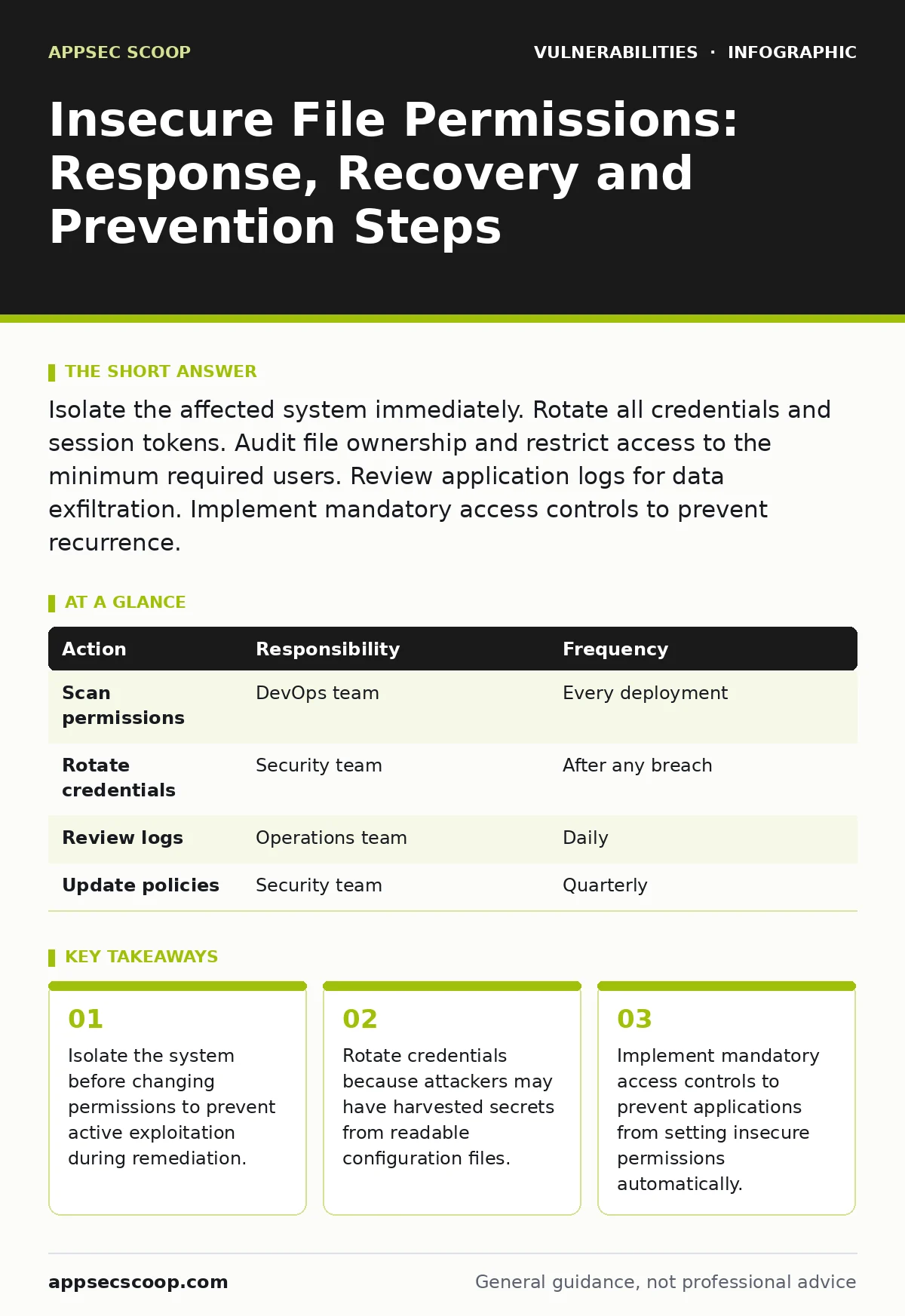
Isolate the affected system immediately. Rotate all credentials and session tokens. Audit file ownership and restrict access to the minimum required users. Review application logs for data exfiltration. Implement mandatory access controls to prevent recurrence.
First hour
Insecure file permissions allow unauthorised users or processes to read, modify or execute files. You must act quickly to limit damage. The first priority is containment, not remediation. Changing permissions while an attacker is active can trigger detection or cause data loss. You need to stop the bleeding before you fix the wound.
Immediate containment checklist
- Isolate the affected server from the network. Disconnect it from internal and external traffic.
- Preserve volatile memory. Capture RAM contents for forensic analysis before shutting down.
- Disable remote access. Block SSH, RDP or other administrative protocols to the host.
- Freeze logging. Ensure system and application logs are written to a secure, remote collector.
- Identify the scope. List all files with world-readable or world-writable permissions.
First day
Once the system is isolated, you must assess the extent of the compromise. Insecure permissions often expose configuration files containing database credentials, API keys or private keys. Attackers use these secrets to move laterally within your network. You must assume all secrets stored on the affected system are compromised.
Credential rotation and access review
Rotate all credentials that were stored in files with insecure permissions. This includes database passwords, API keys, SSH keys and TLS certificates. Do not just change the password in the configuration file. You must update the credential in the target service as well. If you change the local file but not the remote service, the application will fail to connect.
Review file ownership. Many applications run as a specific user account. If that account has write access to directories it should not, an attacker can modify scripts or libraries. Change ownership to the application user and remove write permissions for other users. Use the principle of least privilege. Each user and process should have only the permissions it needs to function.
Log analysis and impact assessment
Analyze application and system logs for suspicious activity. Look for file reads, writes or executions by unauthorised users. Check for unusual outbound network connections. Attackers often exfiltrate data through HTTP or DNS tunnels. Identify which files were accessed and what data they contained. This helps you determine if sensitive data was exposed.
If you find evidence of data exfiltration, you must notify relevant parties. This may include legal teams, compliance officers and affected customers. Delaying notification can increase liability and damage trust. Document every step you take. Create a timeline of events and actions. This documentation is vital for incident review and regulatory compliance.
First week
After containing the incident and assessing the impact, you must recover the system and prevent recurrence. Simply fixing permissions is not enough. You must address the root cause. Why did the permissions become insecure in the first place? Was it a misconfiguration during deployment? Did an application create files with default permissions?
System recovery and hardening
Restore the system from a known good backup. If you cannot trust the current system state, rebuild it from scratch. Install the operating system and applications fresh. Apply all security patches. Configure secure defaults. Do not copy files from the compromised system to the new one. You may reintroduce malware or backdoors.
Implement mandatory access controls. Traditional discretionary access controls allow users to change permissions. Mandatory access controls enforce policies based on labels or roles. This prevents users and applications from setting insecure permissions. It adds a layer of security that is difficult to bypass. Configure the system to deny access by default. Grant access only to specific users and processes.
Process improvement and monitoring
Review your deployment process. How are files created and permissions set during deployment? Use infrastructure as code to define permissions explicitly. This ensures consistency and reduces human error. Automate the enforcement of security policies. Use tools to scan for insecure permissions regularly. Integrate these checks into your secure software development lifecycle.
Monitor for permission changes. Set up alerts for files that become world-readable or world-writable. Investigate these alerts immediately. This helps you detect misconfigurations or attacks early. Combine this with risk-based vulnerability management to prioritise fixes. Focus on the most critical systems and files first.
Who to tell
Communication is a critical part of incident response. You must inform the right people at the right time. Start with your internal incident response team. Provide them with a clear summary of the incident, the impact and the actions taken. Keep them updated as you learn more.
If sensitive data was exposed, you may need to notify regulators. Check your local data protection laws. They often have strict timelines for reporting breaches. Notify affected customers or partners if their data was compromised. Be transparent about what happened and what you are doing to fix it. This builds trust and reduces reputational damage.
How to stop a repeat
Preventing recurrence requires a shift in mindset. Security is not a one-time fix. It is an ongoing process. You must build security into your development and operations practices. This is where vulnerability prioritization becomes important. Not all vulnerabilities are equal. Focus on those that are most likely to be exploited and cause the most damage.
Implement automated scanning. Use tools to check file permissions during deployment and at regular intervals. Integrate these checks into your continuous integration and continuous deployment pipeline. Fail the build if insecure permissions are detected. This stops misconfigurations before they reach production.
Train your development and operations teams. They need to understand the risks of insecure permissions. Show them how attackers exploit these weaknesses. Provide them with secure coding and configuration guidelines. Encourage them to ask security questions early in the development process. This aligns with the principles of responsible disclosure. If they find a vulnerability, they should report it securely.
Consider advanced techniques like web cache poisoning or NoSQL injection when reviewing application logic. These attack vectors can bypass traditional security controls. Ensure your application handles input and output securely. Validate all data. Encode output to prevent injection attacks.
| Action | Responsibility | Frequency |
|---|---|---|
| Scan permissions | DevOps team | Every deployment |
| Rotate credentials | Security team | After any breach |
| Review logs | Operations team | Daily |
| Update policies | Security team | Quarterly |
See also: Tabletop Exercises for Small Teams: Run Effective Drills Without the Budget · Breach Dwell Time: Why Detection Delays Multiply Risk
Long-term resilience
Building long-term resilience requires a holistic approach. You must address technical, procedural and cultural aspects. Technically, implement strong access controls and monitoring. Procedurally, establish clear incident response plans. Culturally, foster a security-aware mindset.
Conduct regular incident response exercises. Simulate breaches to test your plans. Identify gaps and improve your processes. Learn from each incident. What worked well? What could be improved? Share lessons learned across the organisation. This continuous improvement cycle strengthens your security posture over time.
Remember that no system is perfectly secure. You must balance security with usability and performance. Overly restrictive permissions can break applications. Work with development teams to find the right balance. Use security features that minimise impact on users. This ensures that security measures are adopted and maintained.
Key takeaways
- Isolate the system before changing permissions to prevent active exploitation during remediation.
- Rotate credentials because attackers may have harvested secrets from readable configuration files.
- Implement mandatory access controls to prevent applications from setting insecure permissions automatically.
Frequently asked questions
How do I know if my file permissions are insecure?
Check for files that are readable or writable by all users. Look for configuration files containing secrets that are not restricted to the application user. Use automated scanning tools to identify misconfigurations.
Should I change permissions on a running production server?
No. Changing permissions on a running server can cause instability or trigger detection. Isolate the server first. Then apply changes in a controlled manner. Test the changes in a non-production environment before applying them to production.
What is the difference between discretionary and mandatory access controls?
Discretionary access controls allow users to set permissions on their own files. Mandatory access controls enforce policies based on labels or roles, preventing users from changing permissions. Mandatory controls are more secure but harder to configure.
How often should I rotate credentials?
Rotate credentials immediately after a breach. For routine maintenance, follow industry best practices. This often means every 90 days for standard users and less frequently for service accounts. Use automated tools to manage rotation.
How this guide was produced: written by the AppSec Scoop editorial team with AI assistance, checked against the public references listed below, and reviewed when the facts change. See our editorial policy or report an error.