
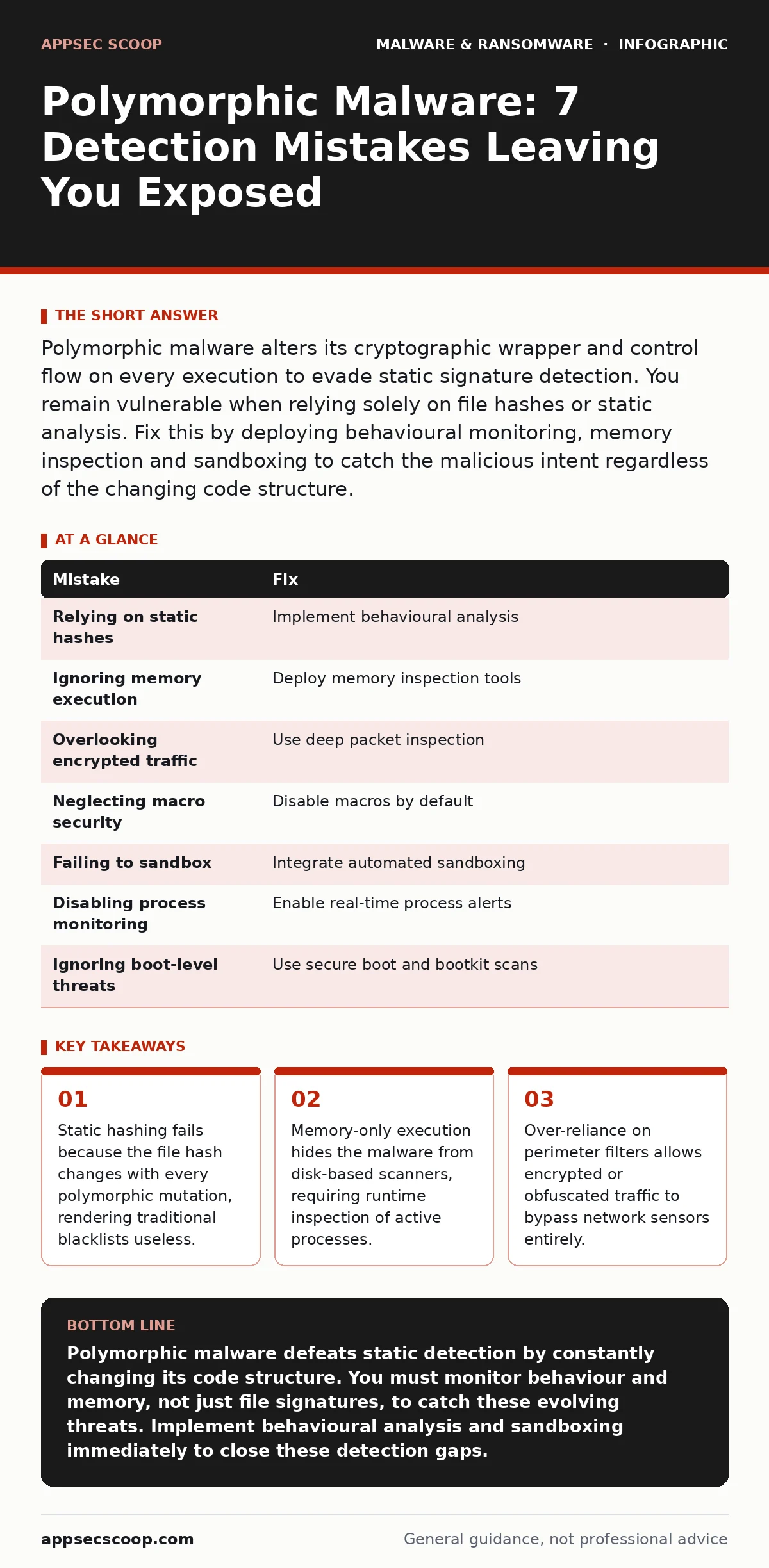
Polymorphic malware alters its cryptographic wrapper and control flow on every execution to evade static signature detection. You remain vulnerable when relying solely on file hashes or static analysis. Fix this by deploying behavioural monitoring, memory inspection and sandboxing to catch the malicious intent regardless of the changing code structure.
Mistake 1: Relying solely on static file hashes
Static file hashing compares the digital fingerprint of a file against a known database of malicious hashes. Polymorphic malware generates a unique hash for every single infection instance. This means your antivirus software sees a completely new file every time, even though the malicious intent is identical. The scanner looks for a specific pattern of bytes. If the malware changes those bytes, the scanner misses it. This creates a false sense of security where you believe your database coverage is sufficient.
Why it hurts: Your detection engine treats every new variant as a benign, unknown file. The malware executes fully before your system has time to update its threat intelligence. You lose the ability to detect known threats because the "known" signature no longer matches the current file on your system.
The fix: Implement behavioural analysis that monitors what the file does rather than what it looks like. Look for suspicious system calls, registry modifications or unusual network connections. Combine this with heuristic scanning that flags code structures typical of packing or obfuscation techniques. This approach catches the malicious action even if the code wrapper is unique.
Mistake 2: Ignoring memory-resident execution patterns
Many modern threats operate primarily in the computer's volatile memory. They inject code into legitimate processes to hide their presence. Disk-based scanners only inspect files stored on the hard drive. If the malware never writes its full payload to disk, the scanner never sees the malicious code. This technique is often used by advanced threats that mimic the behaviour of trojans to maintain persistence without leaving a traceable file footprint.
Why it hurts: You cannot detect what you do not see. If your security tools only scan static files, they are blind to code running in RAM. The malware can execute its payload, exfiltrate data and maintain control while appearing invisible to standard file integrity monitoring tools.
The fix: Deploy endpoint detection and response solutions that include memory inspection capabilities. These tools monitor active processes and can identify injected code or unusual memory allocations. Regularly audit running processes for anomalies such as legitimate applications making unexpected network requests or accessing sensitive system areas.
Mistake 3: Overlooking encrypted command and control traffic
Polymorphic malware often uses standard encrypted protocols to communicate with its command server. This encryption hides the content of the communication from network sensors. If you only inspect unencrypted traffic, you miss the instructions telling the malware what to do next. The malware may use legitimate-looking domains or encrypted tunnels to blend in with normal web browsing activity.
Why it hurts: Your network security monitors see only encrypted noise. You cannot distinguish between a user browsing a secure website and a compromised machine receiving malicious instructions. This blind spot allows the malware to receive updates, download additional payloads or exfiltrate sensitive data without triggering network alerts.
The fix: Implement deep packet inspection where legally and technically feasible. Monitor for anomalies in traffic patterns such as unusual data volumes, connections to unknown IP addresses or irregular timing of communications. Use certificate pinning to ensure that internal systems only trust expected encryption certificates, reducing the risk of man-in-the-middle attacks.
Mistake 4: Neglecting macro security settings
Documents with embedded macros are a common delivery mechanism for initial infection. Users often enable macros to view document content, unaware that the code can execute arbitrary commands. Polymorphic malware frequently hides within these macros, changing its appearance each time it is distributed. If your organisation does not enforce strict macro security settings, users become the primary vector for infection.
Why it hurts: A single enabled macro can download and execute the polymorphic payload. The initial document may look harmless, but the macro contains the instructions to fetch the malicious code. This bypasses email attachment scanning if the scanner does not analyse the macro code itself. The infection spreads rapidly through shared documents.
The fix: Disable all macros by default in your office suite configurations. Only allow macros from trusted, digitally signed sources. Educate users on the risks of enabling macros, especially in unexpected documents. Regularly review macro policies to ensure they remain strict and up to date with current threat tactics.
Mistake 5: Failing to sandbox dynamic analysis
Sandboxing runs suspicious files in an isolated environment to observe their behaviour. Without this, you rely on static analysis which, as noted, fails against polymorphic code. Dynamic analysis reveals the true nature of the malware by watching it execute. It captures network calls, file changes and registry edits. This process is critical for understanding how the malware operates and for identifying indicators of compromise that static scanning misses.
Why it hurts: You miss the behavioural signatures that define the malware family. Polymorphic malware may look different on disk but behaves identically when running. Without sandboxing, you cannot detect the common behavioural patterns that link different variants together. This slows down incident response and allows the malware to persist longer.
The fix: Integrate automated sandboxing into your security workflow. Submit suspicious files for dynamic analysis before they reach production systems. Use the results to update your behavioural detection rules. Ensure your sandbox environment mimics your production environment closely to avoid evasive techniques that detect virtualisation.
See also: Implementing Behavior-Based Detection: A Practical Rollout Plan · Point-of-sale malware: 7 configuration mistakes that invite infection
Mistake 6: Disabling real-time process monitoring
Real-time monitoring watches for suspicious process creation and modification. Polymorphic malware often spawns new processes to execute its payload or to maintain persistence. If this monitoring is disabled or misconfigured, the malware can operate freely. It can create hidden processes, inject code into other applications or modify system settings without triggering alerts. This lack of visibility allows the malware to establish a foothold and expand its access.
Why it hurts: You lose the ability to detect active malicious behaviour. The malware can execute its payload and maintain control while your system remains unaware. This delay allows the malware to encrypt files, steal data or move laterally across the network before you realise an infection has occurred.
The fix: Enable and maintain real-time process monitoring on all endpoints. Configure alerts for suspicious process behaviour such as unexpected child processes, unusual command-line arguments or access to sensitive system areas. Regularly review these alerts to refine your detection rules and reduce false positives.
Mistake 7: Ignoring boot-level threats
Some advanced malware installs itself at the boot level, before the operating system fully loads. This allows it to hide from standard security tools that run within the operating system. Bootkits can modify the boot process to ensure the malware loads first. If you do not monitor the boot process, you miss this early stage of infection. The malware can then intercept keystrokes, capture credentials and maintain persistence even if the operating system is reinstalled.
Why it hurts: Your security tools run on top of the compromised operating system. The malware can hide its presence from these tools by intercepting their requests. This makes detection extremely difficult. You may believe your system is clean when it is actually controlled by the malware from the lowest level.
The fix: Use secure boot features to ensure that only trusted code runs during the boot process. Regularly scan for bootkits using specialised tools that can inspect the boot sector. Monitor for changes to boot configuration data and ensure that your firmware is up to date with the latest security patches.
| Mistake | Fix |
|---|---|
| Relying on static hashes | Implement behavioural analysis |
| Ignoring memory execution | Deploy memory inspection tools |
| Overlooking encrypted traffic | Use deep packet inspection |
| Neglecting macro security | Disable macros by default |
| Failing to sandbox | Integrate automated sandboxing |
| Disabling process monitoring | Enable real-time process alerts |
| Ignoring boot-level threats | Use secure boot and bootkit scans |
Key takeaways
- Static hashing fails because the file hash changes with every polymorphic mutation, rendering traditional blacklists useless.
- Memory-only execution hides the malware from disk-based scanners, requiring runtime inspection of active processes.
- Over-reliance on perimeter filters allows encrypted or obfuscated traffic to bypass network sensors entirely.
Polymorphic malware defeats static detection by constantly changing its code structure. You must monitor behaviour and memory, not just file signatures, to catch these evolving threats. Implement behavioural analysis and sandboxing immediately to close these detection gaps.
Frequently asked questions
How does polymorphic malware differ from metamorphic malware?
Polymorphic malware changes its encryption key and wrapper but keeps the same core code structure. Metamorphic malware rewrites its own code entirely, changing the logic and structure while maintaining the same function. Both evade static signatures, but metamorphic is harder to analyse.
Can endpoint detection and response stop polymorphic malware?
Endpoint detection and response tools focus on behaviour and memory activity. They can detect the malicious actions of polymorphic malware even if the file signature is unknown. They provide visibility into process execution and network connections, which static scanning misses.
Why do sandboxing tools sometimes fail against polymorphic malware?
Advanced malware can detect sandbox environments and alter its behaviour to appear benign. It may delay execution or check for specific hardware signatures. To counter this, use sandboxing solutions that mimic real user environments and employ randomised testing environments.
Does regular patching help against polymorphic malware?
Patching fixes vulnerabilities that malware uses to gain initial access. While it does not detect the malware itself, it reduces the attack surface. Fewer vulnerabilities mean fewer entry points for the malware to exploit, making it harder for the infection to establish a foothold.
How this guide was produced: written by the AppSec Scoop editorial team with AI assistance, checked against the public references listed below, and reviewed when the facts change. See our editorial policy or report an error.