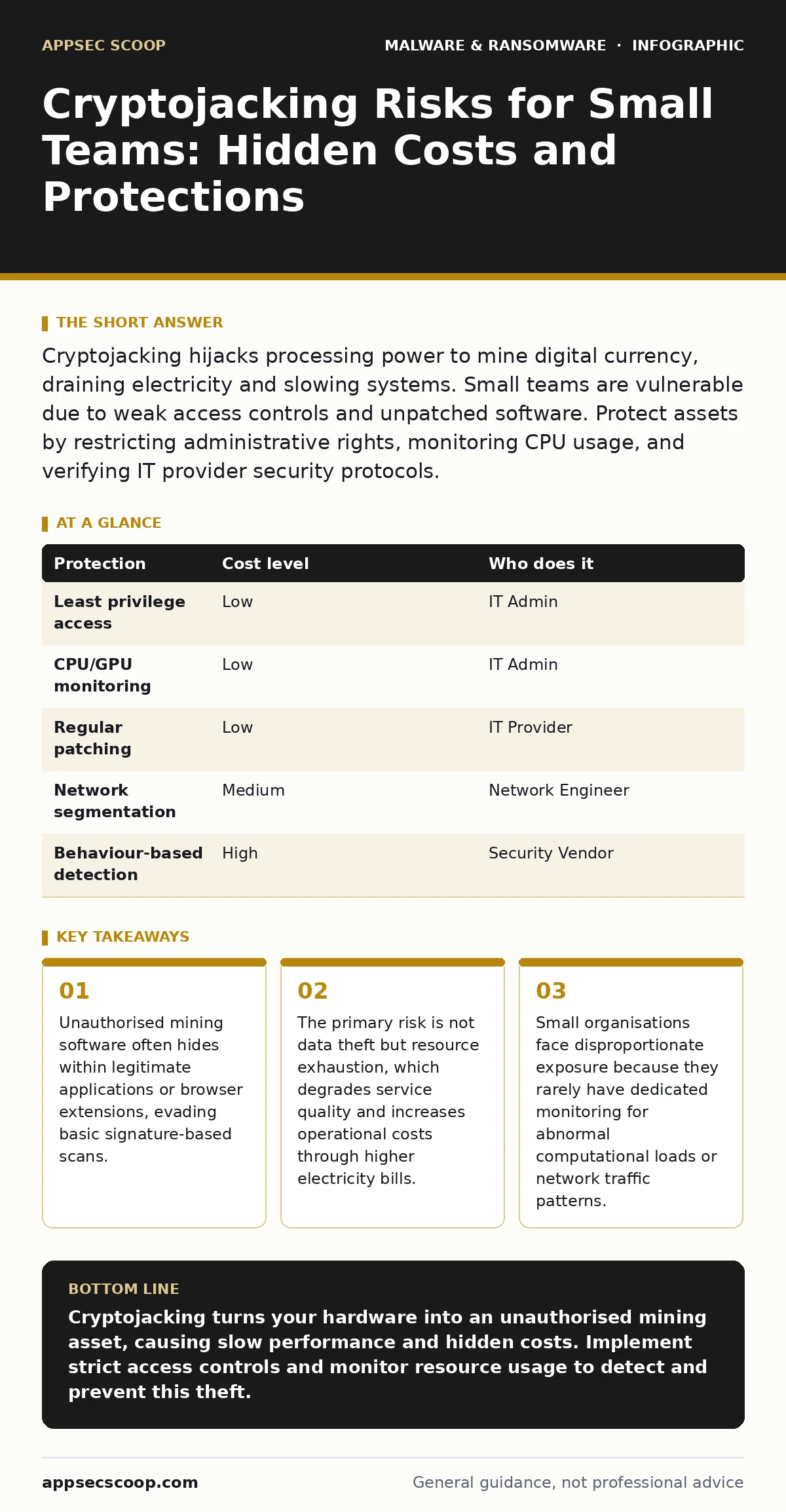
Cryptojacking hijacks processing power to mine digital currency, draining electricity and slowing systems. Small teams are vulnerable due to weak access controls and unpatched software. Protect assets by restricting administrative rights, monitoring CPU usage, and verifying IT provider security protocols.
The Mechanics of Resource Hijacking
Cryptojacking differs from traditional ransomware. Instead of encrypting files for a ransom, the attacker installs software that uses your processor to solve complex mathematical puzzles. This process generates cryptocurrency for the attacker. The software is often designed to be stealthy, throttling itself to avoid detection. It may pause when you move your mouse or reduce its intensity to keep system performance appearing normal.
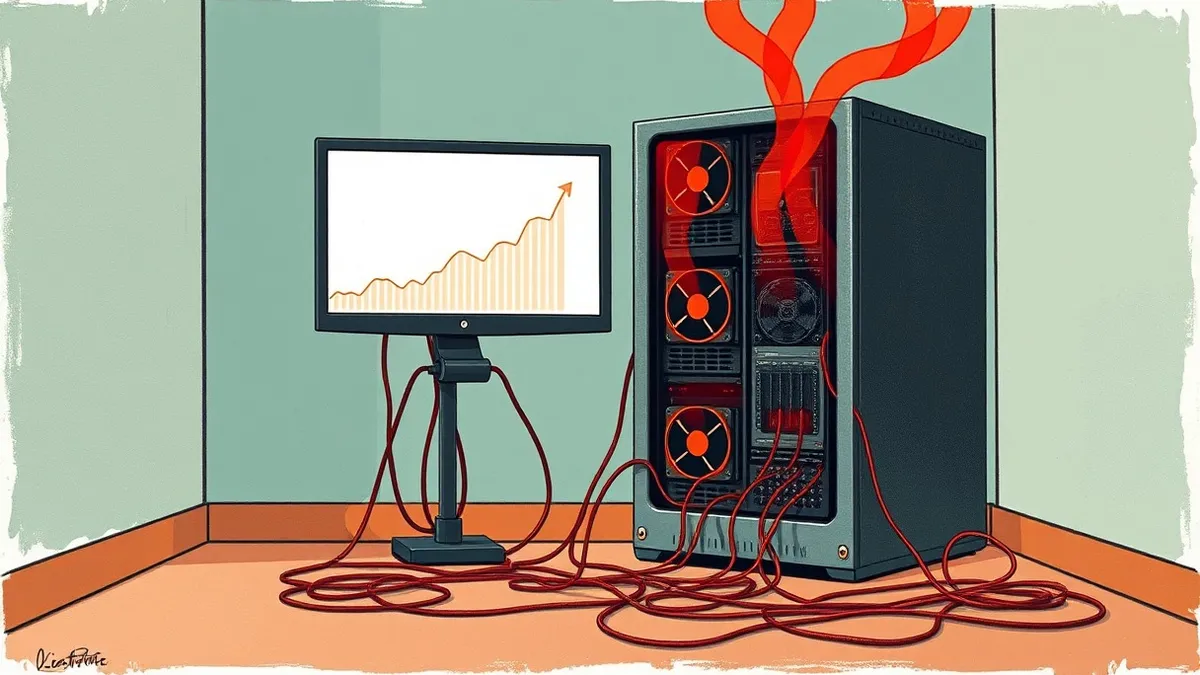
The goal is persistence. The attacker wants your hardware to work for them as long as possible. This creates a slow drain on resources. Over time, this leads to overheating, hardware degradation, and increased electricity costs. For a small organisation, these costs are often absorbed into general overhead, making the theft difficult to identify. The damage is financial and operational, not necessarily reputational.
Why Small Organisations Are Exposed
Small teams are attractive targets because they often lack the infrastructure for continuous monitoring. Large enterprises have security information and event management systems that flag abnormal CPU usage. Smaller organisations rarely do. They rely on basic antivirus software, which may not detect fileless mining scripts or browser-based miners.
The attack surface is often wider than expected. It is not just about the server room. It is about every device that connects to the network. A single compromised laptop can serve as an entry point. Attackers exploit misconfigurations in cloud storage, weak administrative passwords, or outdated software. They do not need to break into the core database. They only need enough access to install a script.
The Hidden Cost of Computational Theft
The immediate cost is electricity. Mining is energy-intensive. Your power bill may rise slightly, but this increase is often masked by seasonal variations or other operational costs. The more significant cost is hardware wear. Processors and cooling fans run at higher loads for longer periods. This reduces the lifespan of expensive equipment.
There is also the cost of lost productivity. Systems run slower. Applications take longer to load. Employees waste time waiting for tasks to complete. This friction accumulates. It is rarely catastrophic enough to trigger an incident response, but it is persistent enough to erode efficiency. You are paying for hardware that is partially working for a stranger.
Low-Cost Protections for Limited Budgets
You do not need expensive security suites to mitigate this risk. The most effective controls are procedural and configuration-based. Start by restricting administrative privileges. Most users do not need the ability to install software. If they cannot install the miner, the attack fails. This is a fundamental principle of least privilege.
Monitor resource usage. Set up simple alerts for sustained high CPU or GPU usage. This does not require complex tools. Basic operating system commands or free monitoring agents can provide this visibility. Regularly update software. Many cryptojackers exploit known vulnerabilities in web servers, databases, and remote access tools. Patching removes these entry points.
Consider network segmentation. Isolate critical servers from general user devices. If a laptop is compromised, the attacker should not have easy access to the main application server. This limits the spread of the malware. It also simplifies monitoring, as you can focus on traffic between specific segments.
What to Ask an IT Provider
If you outsource your IT support, you must ensure they are actively managing this risk. Many providers focus on uptime and basic maintenance. They may not proactively hunt for resource abuse. You need to verify their approach. Ask specific questions about their monitoring capabilities. Do they track CPU and memory usage trends? Do they have alerts for abnormal processes?
Ask about their patch management policy. How quickly do they apply security updates to servers and endpoints? Delayed patching is a common vector for cryptojacking. Also, inquire about their incident response plan. If mining software is detected, what is their procedure for removal? Do they have a process for analysing the root cause? This prevents recurrence.
See also: Callback Phishing: Risks and Protection for Small Businesses · Tabletop Exercises for Small Teams: Run Effective Drills Without the Budget
Detection and Removal Challenges
Detecting cryptojacking is difficult because the software often mimics legitimate processes. It may use system process names to blend in. Traditional antivirus solutions look for known malicious files. If the miner is new or modified, it may not be flagged. This is why behaviour-based detection is often more effective than signature-based scanning. It looks for actions, not just file hashes.
Removal requires more than deleting the file. The attacker may have created scheduled tasks or services to restart the miner if it is killed. You must check for persistence mechanisms. On Windows systems, this involves checking the registry and task scheduler. On Linux, check cron jobs and systemd services. Failure to remove these mechanisms means the miner will return after a reboot.
Integrating Broader Security Hygiene
Cryptojacking rarely exists in isolation. It is often part of a broader compromise. The attacker may have gained access through a trojan delivered via email. This is why email attachment scanning remains a critical first line of defence. Blocking malicious attachments prevents the initial infection vector. Similarly, macro security settings should be configured to disable macros by default. Many initial access tools use macros to download secondary payloads.
USB malware is another vector. Attackers may leave infected drives in parking lots or reception areas. If employees plug these in, the malware can execute. Ensure your endpoint protection blocks auto-run features on external media. For deeper infections, you may need to consult guides on removing malware from a Windows PC or dealing with bootkits, which reside in the firmware and are harder to clear.
| Protection | Cost level | Who does it |
|---|---|---|
| Least privilege access | Low | IT Admin |
| CPU/GPU monitoring | Low | IT Admin |
| Regular patching | Low | IT Provider |
| Network segmentation | Medium | Network Engineer |
| Behaviour-based detection | High | Security Vendor |
Questions for Your IT Provider
Use this checklist when reviewing your IT support contract or during annual reviews. These questions help ensure your provider is addressing computational threats, not just traditional viruses.
- Do you monitor for sustained high CPU or GPU utilisation across all endpoints and servers?
- How do you distinguish between legitimate high-load applications and unauthorised mining software?
- What is your average time to patch critical vulnerabilities in operating systems and third-party software?
- Do you restrict local administrative rights for standard users?
- Can you provide a log of recent security incidents, including any resource abuse?
- How do you handle incident response for fileless malware or script-based attacks?
- Do you offer network segmentation to isolate critical assets from general user traffic?
- What tools do you use for behaviour-based detection, and how are they configured?
Key takeaways
- Unauthorised mining software often hides within legitimate applications or browser extensions, evading basic signature-based scans.
- The primary risk is not data theft but resource exhaustion, which degrades service quality and increases operational costs through higher electricity bills.
- Small organisations face disproportionate exposure because they rarely have dedicated monitoring for abnormal computational loads or network traffic patterns.
Cryptojacking turns your hardware into an unauthorised mining asset, causing slow performance and hidden costs. Implement strict access controls and monitor resource usage to detect and prevent this theft.
Frequently asked questions
Can cryptojacking damage my hardware?
Yes, sustained high loads can overheat components and reduce the lifespan of processors and cooling systems.
Is antivirus software enough to stop cryptojacking?
No, basic antivirus may miss fileless scripts or browser-based miners. You need behaviour monitoring and strict access controls.
How do I know if I am being cryptojacked?
Look for unexplained spikes in CPU or GPU usage, higher electricity bills, and slower system performance during quiet hours.
Does this affect cloud servers?
Yes, cloud instances are common targets. Attackers compromise credentials and install miners on virtual machines, increasing your cloud costs.
How this guide was produced: written by the AppSec Scoop editorial team with AI assistance, checked against the public references listed below, and reviewed when the facts change. See our editorial policy or report an error.