
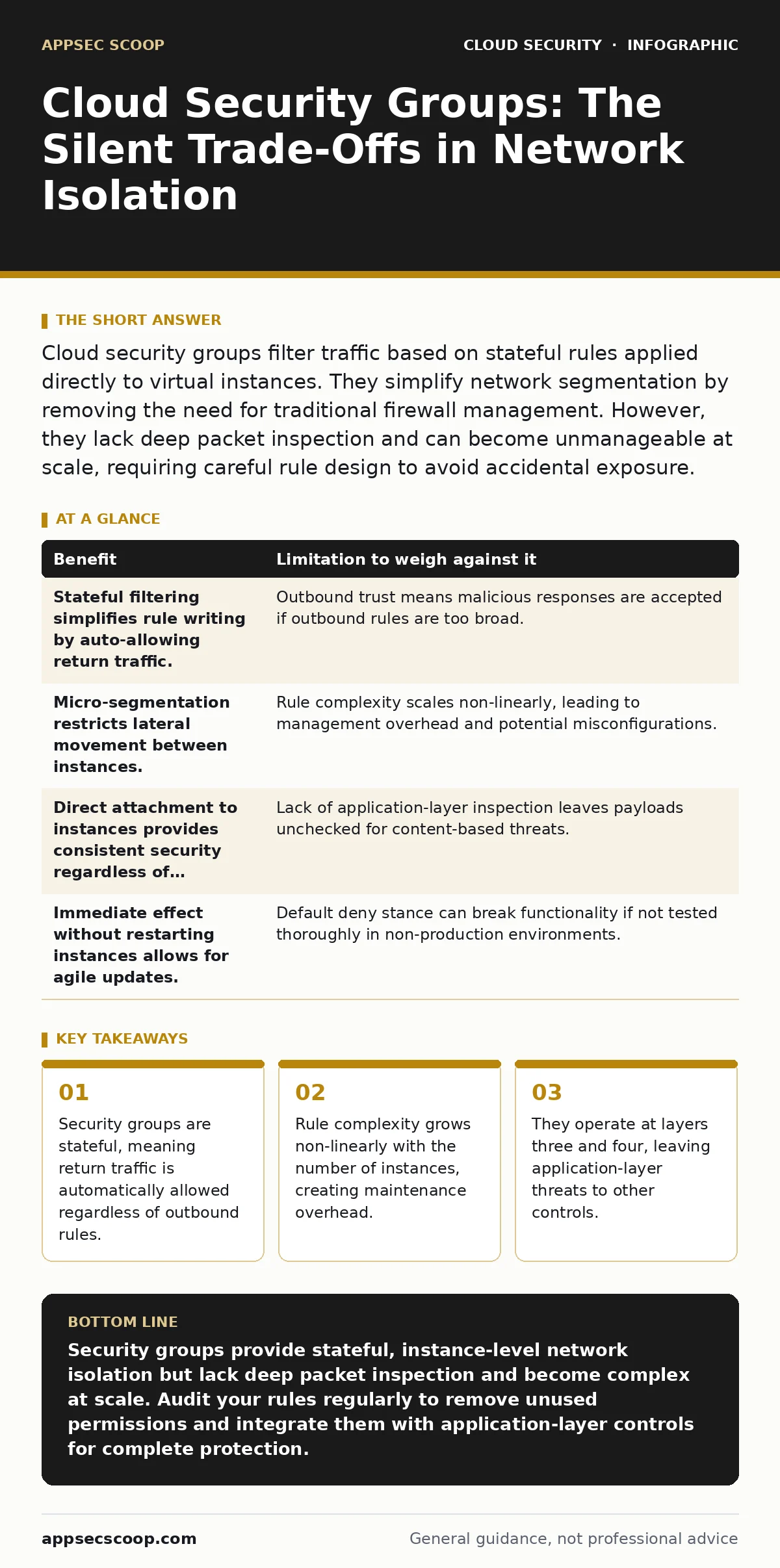
Cloud security groups filter traffic based on stateful rules applied directly to virtual instances. They simplify network segmentation by removing the need for traditional firewall management. However, they lack deep packet inspection and can become unmanageable at scale, requiring careful rule design to avoid accidental exposure.
The Stateful Nature of the Filter
Cloud security groups function as virtual firewalls attached directly to compute instances. Unlike traditional hardware firewalls that sit between network segments, these groups evaluate packets at the instance interface. The defining characteristic of a security group is that it is stateful. This means the system tracks the state of active connections. If an instance initiates an outbound connection, the return traffic is permitted automatically, even if no explicit inbound rule exists for that specific response.
This behaviour simplifies configuration significantly. You do not need to write separate rules for the request and the reply. However, it introduces a subtle risk. If an outbound rule allows traffic to a malicious destination, the response data flows back in without further scrutiny. The security group assumes the outbound action was authorised, so it trusts the return path. This trust model reduces administrative burden but shifts the responsibility for outbound control entirely to your outbound rules.
Granularity Without Deep Inspection
The primary benefit of security groups is granular control over network traffic. You can permit traffic from specific source ranges or other security groups, rather than broad subnets. This allows for micro-segmentation, where each instance has only the access it strictly requires. For example, a web server can accept traffic from a load balancer, while the database server accepts traffic only from the web server’s security group. This isolation limits lateral movement if one instance is compromised.
Yet, this granularity comes with a blind spot. Security groups typically operate at network and transport layers. They inspect IP addresses and port numbers. They do not examine the payload of the packet. A security group cannot distinguish between a legitimate HTTP request and a malicious command hidden within that request. To address this, teams often deploy cloud firewalls or web application firewalls alongside security groups. Security groups handle the plumbing; other tools handle the content.
The Complexity of Rule Management
As your infrastructure grows, the number of security groups and rules increases. Imagine a platform with hundreds of microservices, each requiring specific access patterns. The matrix of allowed connections becomes dense. Managing this manually leads to rule sprawl. Administrators often add overly permissive rules to unblock traffic quickly, then forget to tighten them later. This accumulation of exceptions erodes the security posture over time.
The hidden cost here is cognitive load. Understanding why a connection is allowed requires tracing rules across multiple groups. If a rule is denied, diagnosing the cause involves checking source and destination groups, as well as any underlying network access control lists. This diagnostic process is slow and error-prone. Teams often resort to broad allow rules to avoid this friction, which defeats the purpose of segmentation. Effective management requires automation and strict change control processes.
| Benefit | Limitation to weigh against it |
|---|---|
| Stateful filtering simplifies rule writing by auto-allowing return traffic. | Outbound trust means malicious responses are accepted if outbound rules are too broad. |
| Micro-segmentation restricts lateral movement between instances. | Rule complexity scales non-linearly, leading to management overhead and potential misconfigurations. |
| Direct attachment to instances provides consistent security regardless of network topology. | Lack of application-layer inspection leaves payloads unchecked for content-based threats. |
| Immediate effect without restarting instances allows for agile updates. | Default deny stance can break functionality if not tested thoroughly in non-production environments. |
When Isolation Is Worth the Effort
Security groups are most valuable when you need strict isolation between components that trust each other differently. Suppose you have a public-facing web tier and a private database tier. The web tier should never talk directly to the internet on database ports, and the database should never accept direct internet traffic. Security groups enforce this boundary at the instance level. Even if an attacker gains access to the web server, they cannot pivot to the database because the security group on the database instance denies the connection.
This approach is also worth it when you use infrastructure as code. Because security groups are defined in configuration files, you can version control them, review changes, and apply them consistently across environments. This reproducibility ensures that development, staging, and production environments have identical network boundaries. It reduces the risk of configuration drift, where environments diverge over time and create unexpected vulnerabilities.
When Other Controls Are Necessary
Security groups are not a substitute for comprehensive network security. They are ineffective against attacks that use allowed ports. If you allow port 443 for HTTPS, an attacker can use that channel to exfiltrate data or deliver malware. Security groups cannot block this because the traffic matches the allowed rule. In such cases, you need deeper inspection capabilities. Integrating with cloud penetration testing services can help identify these gaps by simulating real-world attacks against your allowed traffic paths.
Furthermore, security groups do not protect against compromised credentials. If an attacker steals valid access keys, they can modify security group rules to open ports. This is a privilege escalation vector, not a network bypass. Protecting against this requires strong identity controls, such as MFA for cloud accounts and monitoring for leaked cloud access keys. Security groups assume the identity managing them is trusted. They do not verify the intent of the changes made to them.
See also: Stop Overprivileged Cloud Identities Before They Leak Data
The Hidden Cost of Default Deny
Most cloud providers default to a deny-all stance. This is secure by design but operationally challenging. New instances start with no connectivity. If you forget to attach the correct security group, the instance is isolated. This can cause outages in dynamic environments where instances scale up automatically. Auto-scaling groups must be configured to attach the correct security groups to new instances. If this configuration is missing, new instances will be black holes, consuming resources without serving traffic.
This default also impacts debugging. When a connection fails, it is not always clear whether the issue is a missing security group rule, a misconfigured application, or a network routing error. The lack of visibility into denied packets can slow down incident response. Some providers offer flow logs to record accepted and rejected traffic. Enabling these logs adds visibility but also adds cost and data volume to manage. You must decide if the diagnostic benefit outweighs the storage and processing costs.
Integrating with Broader Security Practices
Security groups are one layer in a defence-in-depth strategy. They work best when combined with other controls. For instance, bring your own key encryption ensures that even if an instance is compromised, the data at rest remains protected. Similarly, container runtime security adds another layer of protection for workloads running in containers, which may share the same security group as the host. Each layer addresses different threats, reducing the impact of a failure in any single control.
Shift-left security practices can help catch security group misconfigurations early. By integrating security checks into the development pipeline, teams can validate that proposed infrastructure changes adhere to security policies before deployment. This prevents insecure configurations from reaching production. It also encourages developers to think about security requirements as part of the design process, rather than as an afterthought.
Managing the Long-Term Burden
The long-term challenge of security groups is maintenance. Rules accumulate over time. Old rules for decommissioned services remain, creating noise and potential risk. Regular reviews are necessary to prune unused rules. This is not a one-time task but a continuous process. Automating this review with scripts that identify unused rules can help, but it requires careful tuning to avoid removing necessary rules.
Ultimately, security groups provide a foundational layer of network isolation. They are effective when used correctly and maintained diligently. However, they are not a silver bullet. They require complementary controls to address application-layer threats and identity-based risks. Understanding their limitations is as important as understanding their benefits. By recognising where security groups end, you can build a more resilient security architecture.
Key takeaways
- Security groups are stateful, meaning return traffic is automatically allowed regardless of outbound rules.
- Rule complexity grows non-linearly with the number of instances, creating maintenance overhead.
- They operate at layers three and four, leaving application-layer threats to other controls.
Security groups provide stateful, instance-level network isolation but lack deep packet inspection and become complex at scale. Audit your rules regularly to remove unused permissions and integrate them with application-layer controls for complete protection.
Frequently asked questions
Do security groups inspect the content of network packets?
No, security groups typically operate at layers three and four, checking IP addresses and ports. They do not inspect the payload or application-layer content of the packets.
Can security groups prevent lateral movement in a compromised environment?
Yes, by restricting inbound and outbound traffic to only necessary ports and sources, security groups limit the ability of an attacker to move between instances within the same VPC or network.
What is the difference between a security group and a network ACL?
Security groups are stateful and attached to instances, while network ACLs are stateless and attached to subnets. Security groups default to deny, while ACLs often allow all by default unless configured otherwise.
How do I handle security groups for auto-scaling instances?
Configure the auto-scaling group to automatically attach the appropriate security groups to new instances. This ensures consistent network access controls as the number of instances changes dynamically.
How this guide was produced: written by the AppSec Scoop editorial team with AI assistance, checked against the public references listed below, and reviewed when the facts change. See our editorial policy or report an error.