
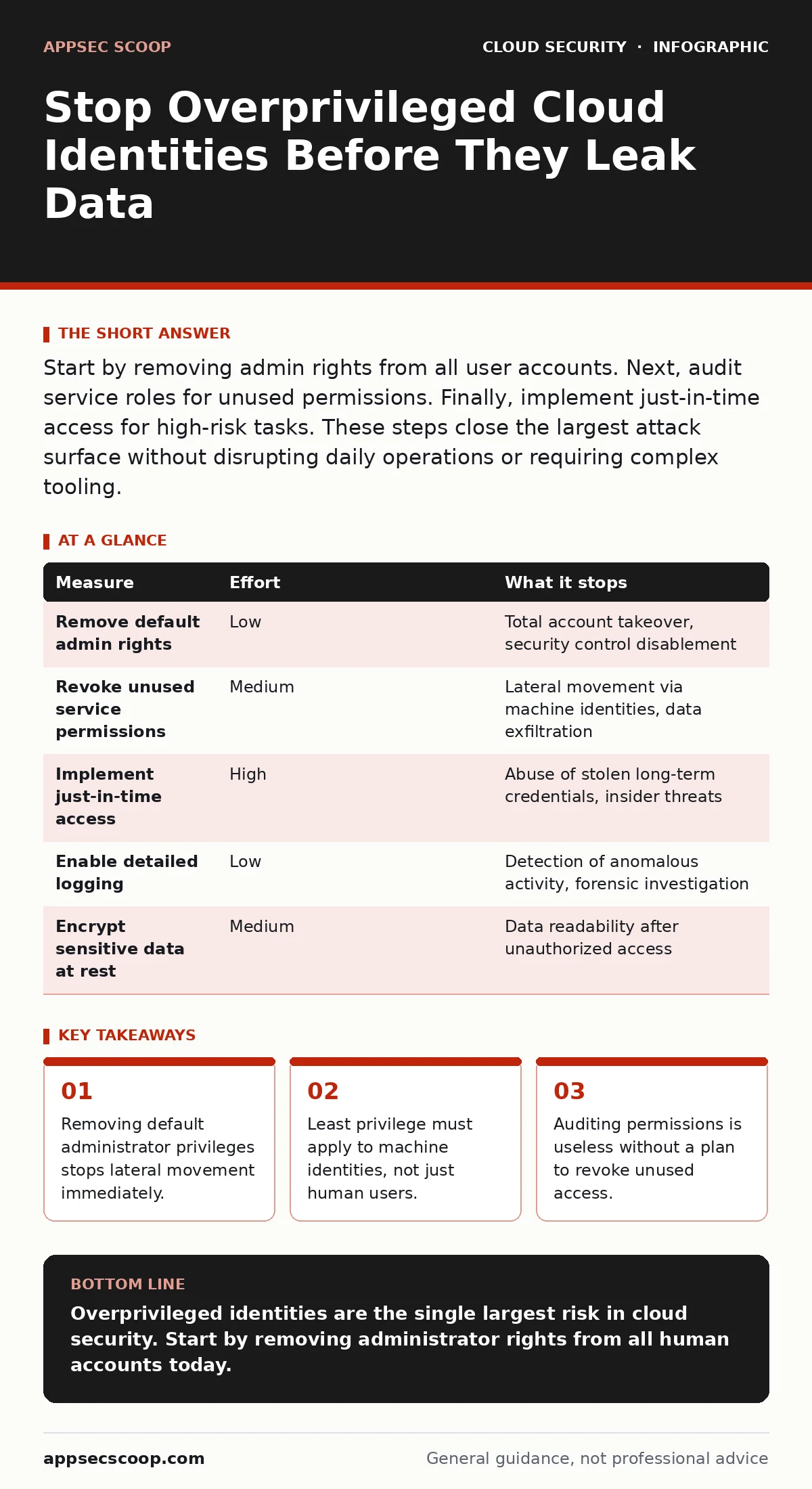
Start by removing admin rights from all user accounts. Next, audit service roles for unused permissions. Finally, implement just-in-time access for high-risk tasks. These steps close the largest attack surface without disrupting daily operations or requiring complex tooling.
The Hidden Cost of Convenience
Cloud platforms encourage speed. Developers want access to deploy code. Operations teams want tools that work without friction. This pressure creates a habit of granting broad permissions to avoid immediate blockers. You assume that because no one has abused the access yet, it is safe. This assumption is dangerous.
Every extra permission increases the blast radius of a compromised identity. When an attacker gains control of a user account, they inherit every right that user holds. If that user can read storage, they steal data. If they can create virtual machines, they mine cryptocurrency. The damage scales with the permissions you granted for convenience.
Start with Human Administrator Rights
The most effective step is to remove default administrator privileges from all human accounts. Cloud providers often assign a top-level role to the first user created in an account. This role allows changes to security settings, billing, and data deletion. It should exist only for emergency recovery, not daily work.
Identify every human user with full administrative access. Replace these roles with specific, limited permissions. A developer needs permission to deploy to a specific environment, not to delete the entire infrastructure. An auditor needs read-only access to logs, not the ability to modify them.
This change reduces the impact of stolen credentials significantly. Even if an attacker obtains a password, they cannot escalate privileges or disable security controls. The account becomes a dead end rather than a master key.
Audit Service and Machine Identities
Human users are visible. Machine identities are not. These include service accounts, application roles, and automated scripts. They often hold permissions that exceed their actual needs because they were granted broad access during initial setup and never reviewed.
Start by listing all service identities in your cloud environment. Compare their assigned permissions against the resources they actually access. You will find many roles that have not touched any resource in months. These are prime targets for attackers who scan for unused but powerful identities.
Revoke permissions that are not actively used. If a service role has not accessed a database in ninety days, remove its database access. This process, known as permission scoping, ensures that each identity has only the minimum access required to function.
Implement Just-In-Time Access
Permanent access is a liability. Most users do not need high-level permissions all the time. They need them for specific tasks, such as approving a deployment or investigating an incident. Granting these permissions permanently leaves them exposed when not in use.
Just-in-time access solves this by granting elevated privileges only when needed and for a limited duration. A user requests access, receives approval, and gains the role for an hour. After that hour, the permissions vanish automatically. This reduces the window of opportunity for attackers.
This approach requires a system to manage requests and approvals. It adds a small amount of friction to the workflow. However, this friction is a feature, not a bug. It forces users to justify their need for access and creates an audit trail for every elevation of privilege.
See the related guide on misconfigured IAM roles for how to structure these temporary permissions correctly.
What Does Not Work
Many teams rely on monitoring to catch abuse. They assume that if an attacker uses stolen credentials, the logs will reveal unusual activity. This assumption fails when the attacker uses the credentials for legitimate-looking actions. If the identity has permission to read data, reading data is not suspicious.
Perimeter defenses also fail here. A cloud firewall protects network traffic. It does not stop an authenticated user from accessing a database directly via the API. Authentication is not authorisation. Just because a user is logged in does not mean they should have access to every resource.
Do not rely on MFA for cloud accounts as a substitute for least privilege. Multi-factor authentication protects the login. It does not limit what the user can do once inside. A stolen credential with MFA bypassed, or an MFA prompt approved by a confused user, still grants full access.
See also: CSPM vs CNAPP: Which Cloud Security Tool Fits Your Stack
The Role of Encryption and Separation
Encryption adds a layer of defence. Even if an attacker gains access to data, they cannot read it without the keys. This is where bring your own key encryption becomes valuable. By managing your own encryption keys, you separate the permission to access storage from the permission to decrypt data.
An identity might have permission to list objects in a storage bucket. Without the encryption key, it cannot read the contents. This separation limits the damage of a compromised identity. It turns a potential data breach into a noise event.
This strategy works best when combined with strict key management. Ensure that only specific, limited identities can decrypt data. Do not grant decryption rights to the same broad roles that grant storage access.
Priority Measures for Risk Reduction
The following table ranks measures by the amount of risk they remove. Focus on the top items first. They provide the highest return on effort.
| Measure | Effort | What it stops |
|---|---|---|
| Remove default admin rights | Low | Total account takeover, security control disablement |
| Revoke unused service permissions | Medium | Lateral movement via machine identities, data exfiltration |
| Implement just-in-time access | High | Abuse of stolen long-term credentials, insider threats |
| Enable detailed logging | Low | Detection of anomalous activity, forensic investigation |
| Encrypt sensitive data at rest | Medium | Data readability after unauthorized access |
Closing Checklist for Today
You do not need a perfect system to start. You need to close the widest gaps first. Use this checklist to begin reducing overprivilege immediately.
- Identify all human users with full administrative access and downgrade them.
- List all service roles that have not accessed any resource in the last month.
- Review the permissions of any role that has access to encryption keys or billing.
These three actions remove the most dangerous identities from your environment. They require no new tools, only discipline. The remaining work is iterative. Continue to audit, revoke, and refine.
See the guide on cloud entitlements for a deeper dive into managing permissions at scale. For network-level protections, refer to cloud security groups. To address code-level issues, consider shift-left security practices. If you suspect existing keys are exposed, consult the guide on leaked cloud access keys.
Key takeaways
- Removing default administrator privileges stops lateral movement immediately.
- Least privilege must apply to machine identities, not just human users.
- Auditing permissions is useless without a plan to revoke unused access.
Overprivileged identities are the single largest risk in cloud security. Start by removing administrator rights from all human accounts today.
Frequently asked questions
How often should I audit cloud permissions?
Audit permissions quarterly for high-risk roles. Review service accounts monthly if possible. Automation helps maintain continuous compliance.
Can I automate the removal of unused permissions?
Yes. Many cloud providers offer tools to detect unused permissions. Use them to generate reports, but review the results before automatic revocation to avoid breaking applications.
What is the risk of granting temporary admin rights?
Temporary rights reduce the window of exposure. However, they still carry risk during the active period. Limit the duration and scope of temporary access strictly.
Does encryption stop all data leaks?
No. Encryption protects data at rest. It does not prevent unauthorized access to metadata or the ability to delete data. It is a layer of defence, not a complete solution.
How this guide was produced: written by the AppSec Scoop editorial team with AI assistance, checked against the public references listed below, and reviewed when the facts change. See our editorial policy or report an error.