
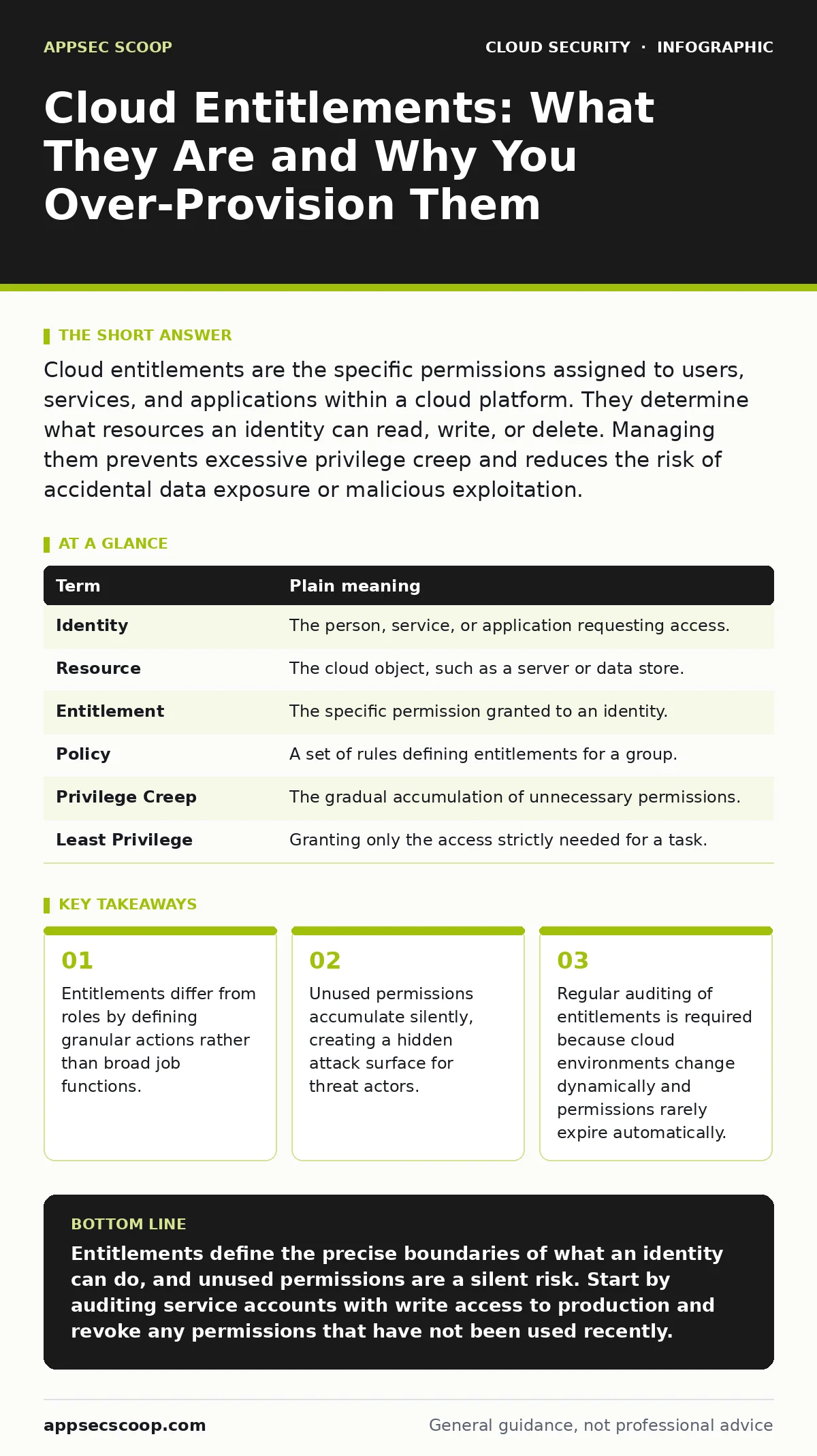
Cloud entitlements are the specific permissions assigned to users, services, and applications within a cloud platform. They determine what resources an identity can read, write, or delete. Managing them prevents excessive privilege creep and reduces the risk of accidental data exposure or malicious exploitation.
The Library Card Analogy
Imagine a large public library. The building contains millions of books, special archives, and administrative offices. A standard library card allows you to enter the building and browse the general collection. This is your base access. However, you cannot simply walk into the restricted archives or the staff-only offices. To access those areas, you need specific passes or authorisations.
In cloud computing, your identity is the library card. The cloud platform is the library. Entitlements are the specific passes that allow you to interact with particular resources. Without the correct pass, you stand outside the door, regardless of how much you want to see what is inside.
Defining the Core Terms
To manage access effectively, you must distinguish between the identity, the resource, and the permission. An identity is anything that requests access, such as a human user, a service account, or an automated script. A resource is the object being accessed, like a storage bucket, a database, or a virtual machine. An entitlement is the rule that links the two, specifying exactly what the identity can do to the resource.
| Term | Plain meaning |
|---|---|
| Identity | The person, service, or application requesting access. |
| Resource | The cloud object, such as a server or data store. |
| Entitlement | The specific permission granted to an identity. |
| Policy | A set of rules defining entitlements for a group. |
| Privilege Creep | The gradual accumulation of unnecessary permissions. |
| Least Privilege | Granting only the access strictly needed for a task. |
The Difference Between Roles and Entitlements
A common point of confusion is the distinction between roles and entitlements. A role is a container for a set of entitlements. For example, a "Developer" role might include entitlements to read code repositories and deploy applications. The role is the job title; the entitlements are the specific keys in the keyring.
You should not assign roles to every identity. Instead, assign entitlements based on the actual tasks performed. If a developer only needs to read code and never deploy, assigning the full "Developer" role grants unnecessary write access. This is a classic case of overprivileged cloud identities, where the gap between required and granted access widens over time.
The Hidden Cost of Unused Access
When you grant access, you assume it will be used. In reality, many entitlements go unused for months or years. This is known as privilege creep. An employee changes roles, but their old permissions remain active. A service account is created for a one-time migration, but the access key is never revoked.
These unused entitlements are invisible liabilities. A threat actor who compromises a low-privilege account can pivot to these unused high-privilege paths. This is why leaked cloud access keys are so dangerous; they often belong to service accounts with broad, forgotten entitlements. The damage occurs not because the initial breach was sophisticated, but because the subsequent access was already granted.
Auditing Entitlements Dynamically
Static reviews of permissions are insufficient. Cloud environments change rapidly. New resources are created, old ones are deleted, and workflows evolve. An entitlement that was correct six months ago may now be excessive or obsolete.
You need a continuous audit process. This involves comparing the entitlements assigned to identities against the actions they have actually performed. If an identity has not used a specific permission in a defined period, that entitlement should be revoked or reviewed. This approach aligns with shift-left security principles, ensuring that access controls are validated early and often, rather than as an afterthought.
See also: Cloud Penetration Testing Explained: Methods and Risks · Endpoint Protection Checklist for Secure Device Management
Practical Steps for Review
Suppose you are reviewing access for a development team. Start by identifying the critical resources, such as production databases or financial records. Then, list all identities with access to these resources. Finally, compare the granted entitlements against the actual job functions of each identity.
- Identify all service accounts with write access to production environments.
- Review the last thirty days of activity for each account.
- Revoke write access for any account that has only performed read operations.
Managing Exceptions and Escalation
There will be times when an identity needs temporary elevated access. Perhaps a security engineer needs to investigate a misconfigured IAM role, or a developer needs to debug a cloud penetration testing finding. In these cases, use just-in-time access.
Grant the elevated entitlement for a short, fixed period. Set an automatic expiration. Require approval for the extension. This prevents temporary access from becoming permanent. It also creates an audit trail, showing who accessed what, when, and why. This is far more secure than granting permanent admin rights to a handful of trusted users.
Key takeaways
- Entitlements differ from roles by defining granular actions rather than broad job functions.
- Unused permissions accumulate silently, creating a hidden attack surface for threat actors.
- Regular auditing of entitlements is required because cloud environments change dynamically and permissions rarely expire automatically.
Entitlements define the precise boundaries of what an identity can do, and unused permissions are a silent risk. Start by auditing service accounts with write access to production and revoke any permissions that have not been used recently.
Frequently asked questions
What is the difference between an entitlement and a permission?
They are often used interchangeably, but an entitlement is the specific right granted to an identity, while a permission is the technical capability within the system. Entitlements are business-facing; permissions are technical.
How do I find unused entitlements?
Use cloud-native logging tools to track API calls. Compare the list of granted permissions against the actual API calls made by each identity over a set period. Any permission not used is a candidate for revocation.
Can I automate entitlement management?
Yes, many platforms support policy-as-code. You can define rules that automatically grant or revoke access based on group membership or job role. This reduces human error and ensures consistency.
What happens if I revoke an entitlement by mistake?
The identity will lose access to the associated resource. Ensure you have an emergency break-glass procedure to restore access quickly. Always keep a log of changes for rollback purposes.
How this guide was produced: written by the AppSec Scoop editorial team with AI assistance, checked against the public references listed below, and reviewed when the facts change. See our editorial policy or report an error.