
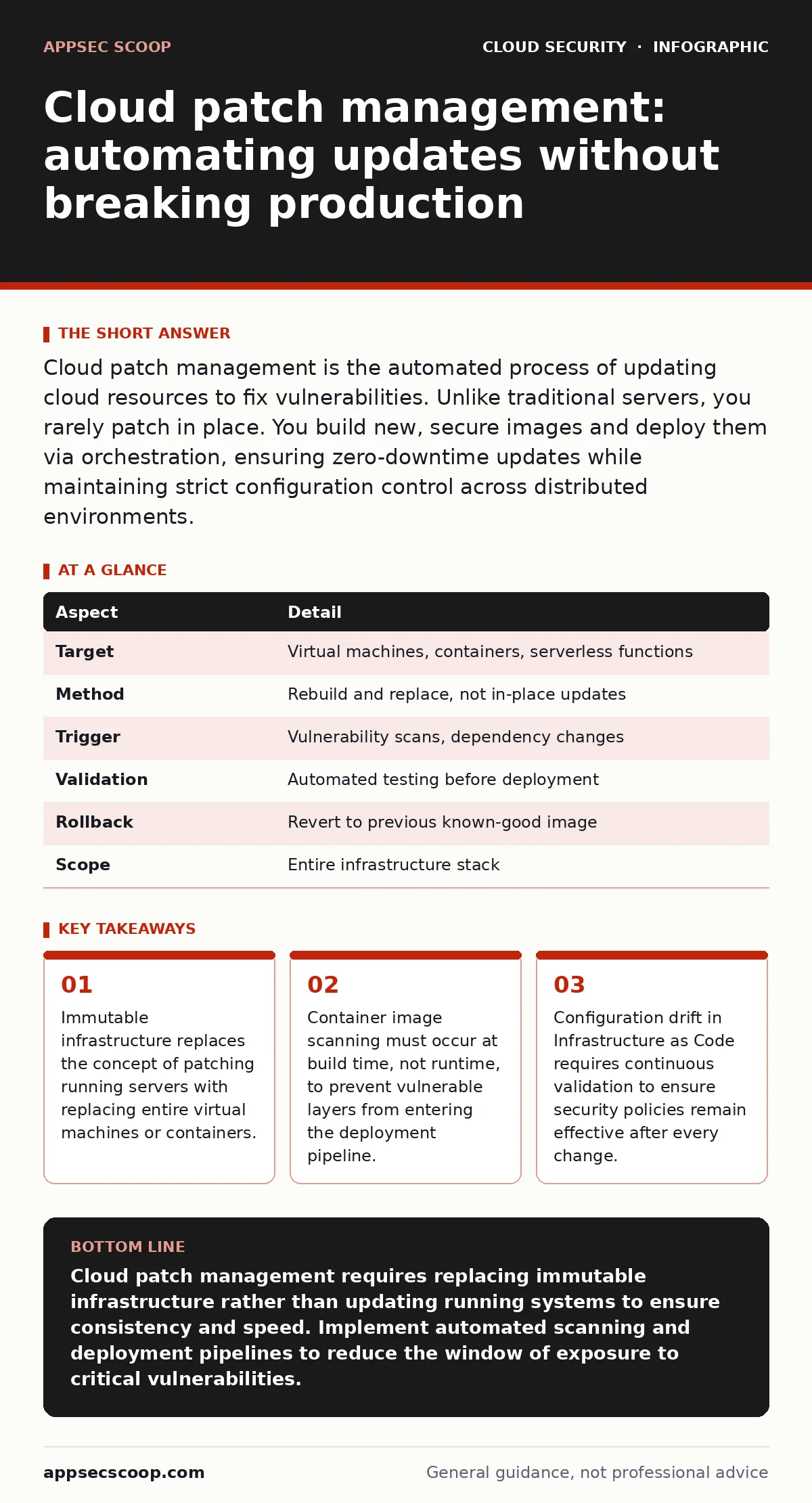
Cloud patch management is the automated process of updating cloud resources to fix vulnerabilities. Unlike traditional servers, you rarely patch in place. You build new, secure images and deploy them via orchestration, ensuring zero-downtime updates while maintaining strict configuration control across distributed environments.
How cloud patch management works
Cloud patch management operates on the principle of immutable infrastructure. You do not log into a virtual machine to install an update. Instead, you define the desired state in code, build a new image with the latest security fixes, and deploy that image to replace the old one. This approach eliminates configuration drift, where manual changes accumulate over time and create unknown security gaps. The mechanism relies on orchestration tools that manage the lifecycle of these resources.
The process begins with identifying vulnerable components within your software supply chain. This includes operating system packages, application libraries, and container base images. Automation tools scan these artifacts against known vulnerability databases. When a critical update becomes available, the system triggers a rebuild of the affected image. The new image undergoes testing before it replaces the live instances. This ensures that updates are consistent and reversible.
| Aspect | Detail |
|---|---|
| Target | Virtual machines, containers, serverless functions |
| Method | Rebuild and replace, not in-place updates |
| Trigger | Vulnerability scans, dependency changes |
| Validation | Automated testing before deployment |
| Rollback | Revert to previous known-good image |
| Scope | Entire infrastructure stack |
Why traditional patching fails in the cloud
Traditional patch management assumes you control the underlying hardware and can schedule maintenance windows. Cloud environments are distributed, ephemeral, and often managed by third-party providers. You cannot reboot a serverless function. You cannot easily patch a container that is part of a replicated set. Attempting to apply patches manually to running instances introduces inconsistency. One server may have the fix while another does not, creating an attack surface.
The hidden cost of manual patching in the cloud is operational overhead. Security teams spend hours coordinating updates across hundreds of instances. This delays the application of critical fixes. Attackers exploit the window between vulnerability disclosure and patch application. Automated cloud patch management closes this window by integrating updates into the deployment pipeline. It treats security updates as code changes, subject to the same review and testing processes.
What people usually get wrong
Many organisations treat cloud patch management as a periodic task. They schedule monthly updates and ignore vulnerabilities discovered in between. This approach leaves systems exposed for weeks. Continuous patching is required because new vulnerabilities are discovered daily. The speed of cloud deployment demands a matching speed of remediation. Delaying updates until the next scheduled window increases risk significantly.
Another common mistake is relying solely on automated scanning without human review. Automated tools generate noise. They flag low-severity issues alongside critical ones. Security teams become desensitised to alerts and miss genuine threats. You must triage findings based on context. A vulnerability in an internal, isolated service is less risky than one in a public-facing application. Prioritisation is key to effective cloud patch management.
The role of container security
Containers introduce unique challenges for patch management. They are built from layers, and each layer can contain vulnerabilities. If you update an application in the top layer but leave the base image outdated, the container remains vulnerable. You must rebuild the entire container image when the base image receives a security update. This ensures that all layers are current and secure.
Container runtime security complements patch management by monitoring behaviour at runtime. Even with patched images, misconfigurations can lead to exploitation. Runtime tools detect anomalous activity and block malicious processes. They provide a second line of defence when static patches are insufficient. Integrating container security with patch management creates a defence-in-depth strategy. It addresses both known vulnerabilities and unknown threats.
For deeper insights on runtime protections, review our guide on container runtime security. Understanding how containers behave after deployment is critical for maintaining security post-patch.
Managing identity and access risks
Patching often requires elevated privileges to update system components. In the cloud, these privileges are granted to service accounts and automation tools. Overprivileged identities can be compromised to gain access to other resources. You must apply the principle of least privilege to patching processes. Grant only the permissions necessary to update specific resources.
Regularly audit the permissions assigned to patching automation. Remove unused access rights. Rotate credentials frequently. This limits the damage if an attacker compromises the patching system. Secure identity management is as important as the patches themselves. A patched system with weak identity controls remains vulnerable to lateral movement.
See our analysis of overprivileged cloud identities for strategies to minimise privilege escalation risks during maintenance operations.
See also: Stop Overprivileged Cloud Identities Before They Leak Data
Integrating with broader security practices
Cloud patch management does not exist in isolation. It must align with your overall cloud-native security strategy. This includes secure coding practices, infrastructure as code validation, and continuous monitoring. Vulnerabilities introduced by poor coding practices cannot be fixed by patching alone. You must address the root cause in the development lifecycle.
Infrastructure as Code (IaC) templates define the baseline for your cloud resources. If the template contains insecure configurations, every deployed instance will inherit those flaws. Patching the OS does not fix a misconfigured security group. You must validate IaC templates before deployment. Continuous compliance checks ensure that resources remain aligned with security policies.
Refer to our guide on cloud security groups for details on configuring network access controls correctly. Proper segmentation reduces the impact of a compromised patched instance.
What to do about it
Start by inventorying all cloud assets. Identify which components require patching and who is responsible for each. Implement automated scanning for virtual machines, containers, and serverless functions. Integrate these scans into your continuous integration and continuous delivery (CI/CD) pipeline. This ensures that vulnerabilities are detected before deployment.
Define clear remediation SLAs based on severity. Critical vulnerabilities must be patched within hours. Low-severity issues can be addressed in regular maintenance cycles. Automate the deployment of patches using orchestration tools. Test updates in staging environments before production deployment. Monitor for regressions and security incidents after each update.
For guidance on securing the accounts that perform these updates, consult our overview of MFA for cloud accounts. Multi-factor authentication prevents unauthorised access to patching systems.
Key takeaways
- Immutable infrastructure replaces the concept of patching running servers with replacing entire virtual machines or containers.
- Container image scanning must occur at build time, not runtime, to prevent vulnerable layers from entering the deployment pipeline.
- Configuration drift in Infrastructure as Code requires continuous validation to ensure security policies remain effective after every change.
Cloud patch management requires replacing immutable infrastructure rather than updating running systems to ensure consistency and speed. Implement automated scanning and deployment pipelines to reduce the window of exposure to critical vulnerabilities.
Frequently asked questions
How often should I patch cloud resources?
Patch critical vulnerabilities within hours of disclosure. Schedule regular updates for non-critical issues based on your risk tolerance and operational capacity. Continuous scanning helps identify new threats immediately.
Can I patch serverless functions?
You cannot patch serverless functions in place. You must update the code or dependencies and redeploy the function. This is effectively a replacement of the execution environment.
What is the difference between patching and updating?
Patching fixes security vulnerabilities. Updating adds new features or improvements. In cloud environments, both processes involve rebuilding and redeploying resources, but the urgency and testing requirements differ.
How do I handle patching for third-party SaaS applications?
You cannot patch SaaS applications directly. You must rely on the provider’s security updates. Mitigate risk through strict access controls and monitoring. See our guide on SaaS account takeover for relevant strategies.
How this guide was produced: written by the AppSec Scoop editorial team with AI assistance, checked against the public references listed below, and reviewed when the facts change. See our editorial policy or report an error.