
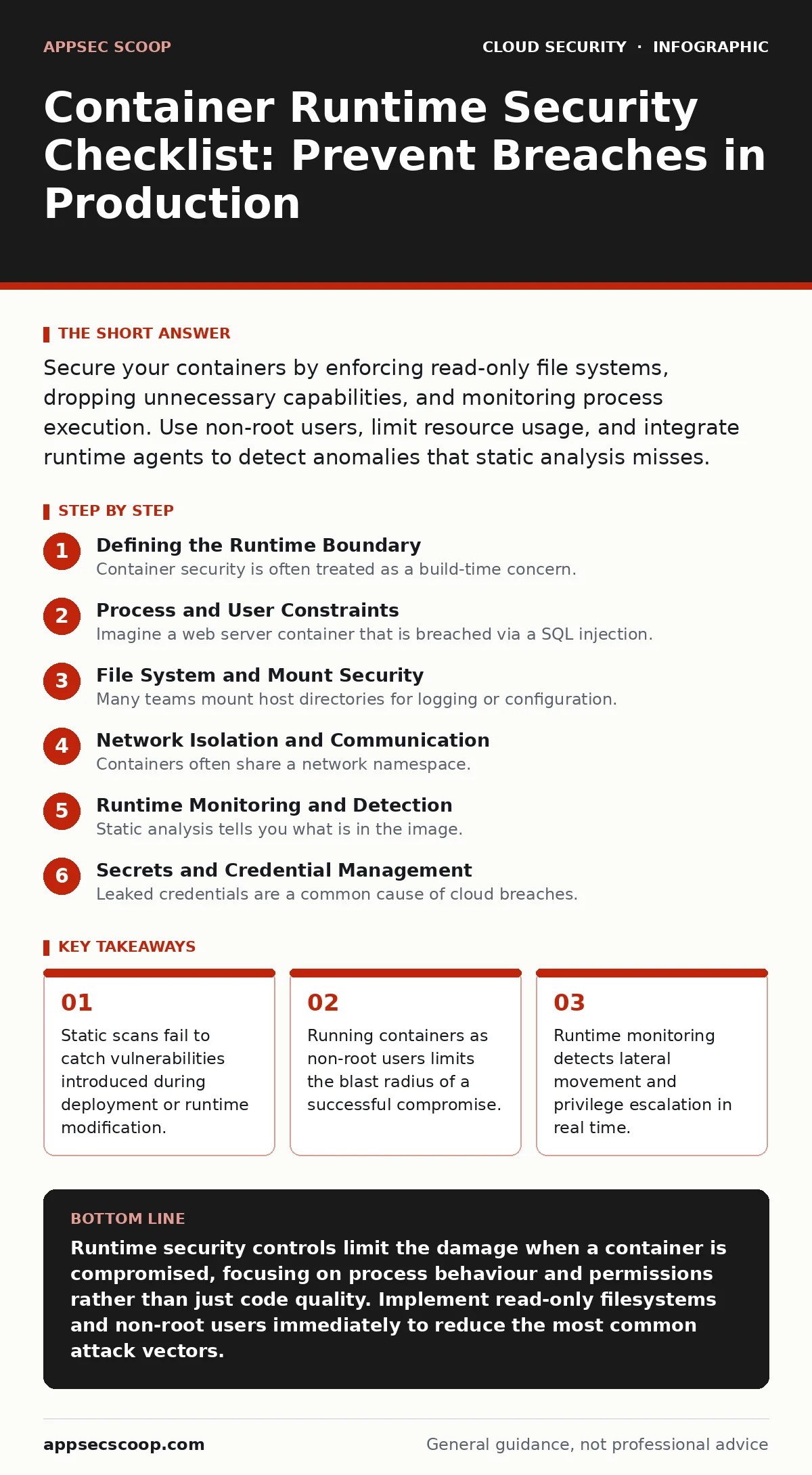
Secure your containers by enforcing read-only file systems, dropping unnecessary capabilities, and monitoring process execution. Use non-root users, limit resource usage, and integrate runtime agents to detect anomalies that static analysis misses.
Defining the Runtime Boundary
Container security is often treated as a build-time concern. This view ignores the reality that containers change once they start. The runtime is the period when the container image executes within the host kernel. Attacks here do not exploit code flaws in the application library. They exploit the operating system interface and the container’s permissions.
You must treat the container as a hostile environment. The assumption is that an attacker has already gained access to the process. Your controls must limit what that process can do. This approach complements shift-left security practices by adding a layer of defence that operates after deployment.
Process and User Constraints
- Enforce non-root execution: Running as root grants full control over the host kernel if a breakout occurs, whereas a specific user ID limits access to only permitted resources.
- Drop all Linux capabilities: Default images often retain dangerous permissions like NET_RAW or SYS_ADMIN, which allow attackers to manipulate network traffic or mount filesystems.
- Use read-only root filesystem: Preventing writes to the main filesystem stops attackers from installing reverse shells or modifying binaries to maintain persistence.
- Set resource limits: Defining CPU and memory caps prevents a compromised container from consuming all host resources, which could crash other services or hide malicious activity.
Imagine a web server container that is breached via a SQL injection. If it runs as root, the attacker can read /etc/shadow. If it runs as a dedicated user with no capabilities, the attacker is trapped within the application’s data directory. This constraint forces the attacker to work harder to escape.
File System and Mount Security
- Audit volume mounts: Mounting sensitive host directories like /var/run/docker.sock gives the container full control over the container engine, effectively granting root access to the host.
- Use tmpfs for temporary data: Volatile memory stores are wiped when the container stops, ensuring that no temporary files containing secrets or logs persist on disk.
- Restrict write access to specific paths: Allowing writes only to necessary directories reduces the attack surface for file-based exploits and malware installation.
Many teams mount host directories for logging or configuration. This is a high-risk practice. If the container is compromised, the attacker can read or modify those host files. It is safer to use dedicated logging agents that pull logs from the container without mounting the host filesystem. This practice aligns with principles found in guides on misconfigured IAM roles, where least privilege is paramount.
Network Isolation and Communication
- Block inter-container traffic by default: Allowing unrestricted communication between containers enables lateral movement, letting an attacker jump from a low-value service to a critical database.
- Use network policies: Explicitly defining which pods can talk to each other ensures that only required services can communicate, reducing the impact of a compromised endpoint.
- Limit exposed ports: Exposing more ports than necessary increases the surface area for network-based attacks and reconnaissance.
Containers often share a network namespace. This design allows easy communication but creates a flat network. An attacker who compromises one container can scan for others. Network policies act as internal firewalls. They are distinct from cloud firewalls, which protect the perimeter. Internal network policies protect the traffic between services within the cluster.
Runtime Monitoring and Detection
- Deploy runtime security agents: These tools monitor system calls and file changes in real time, detecting anomalies that static scans cannot see.
- Alert on new process execution: Unexpected processes, such as a shell in a web server container, often indicate an active breach or privilege escalation attempt.
- Monitor for known malicious patterns: Detecting specific exploit signatures or command sequences helps identify attacks that bypass traditional web application firewalls.
Static analysis tells you what is in the image. Runtime monitoring tells you what the image is doing. This distinction is vital. A container can be built securely but still be exploited at runtime through a zero-day vulnerability in the OS kernel. Runtime agents provide visibility into these events. This complements cloud penetration testing by providing continuous validation of security controls.
See also: Bring Your Own Key Encryption Mistakes That Leave Data Exposed
Secrets and Credential Management
- Avoid storing secrets in environment variables: Environment variables are visible to any process running in the container and can be leaked through logs or process lists.
- Use mounted secrets with strict permissions: Mounting secrets as files with read-only access for a specific user limits exposure compared to environment variables.
- Rotate credentials frequently: Short-lived credentials reduce the window of opportunity for an attacker who has stolen access keys.
Leaked credentials are a common cause of cloud breaches. Containers make it easy to accidentally expose secrets. If a container crashes, the environment variables may be written to disk in core dumps. Mounting secrets as files allows you to control access at the file system level. This practice helps prevent issues related to leaked cloud access keys and overprivileged cloud identities.
Integration with Broader Security
- Integrate with identity providers: Using workload identities ensures that containers authenticate to other services using short-lived tokens rather than static keys.
- Enforce image signing: Only allow containers that have been cryptographically signed by your build pipeline to run, preventing tampering.
- Regularly update base images: Older images contain known vulnerabilities that can be exploited at runtime, even if your application code is secure.
Security is not a single control. It is a chain of controls. Each link must be strong. A secure container is useless if it uses a compromised image. A secure image is useless if it runs with root privileges. You must integrate these controls into your deployment pipeline. This holistic approach ensures that security is maintained throughout the lifecycle.
Key takeaways
- Static scans fail to catch vulnerabilities introduced during deployment or runtime modification.
- Running containers as non-root users limits the blast radius of a successful compromise.
- Runtime monitoring detects lateral movement and privilege escalation in real time.
Runtime security controls limit the damage when a container is compromised, focusing on process behaviour and permissions rather than just code quality. Implement read-only filesystems and non-root users immediately to reduce the most common attack vectors.
Frequently asked questions
How do I know if my containers are running as root?
Check the container configuration or use a runtime agent to monitor the user ID of the main process. Most orchestration platforms allow you to enforce non-root policies.
Is read-only filesystem compatible with all applications?
No, applications that need to write logs or cache data require specific writable volumes. Use tmpfs or dedicated volume mounts for these needs.
Can runtime monitoring detect all attacks?
No, it cannot detect logic flaws or application-level vulnerabilities. It detects anomalous behaviour and policy violations within the operating system.
How often should I update base images?
Update them regularly to patch known vulnerabilities. Automate this process in your CI/CD pipeline to ensure consistency and reduce manual effort.
How this guide was produced: written by the AppSec Scoop editorial team with AI assistance, checked against the public references listed below, and reviewed when the facts change. See our editorial policy or report an error.