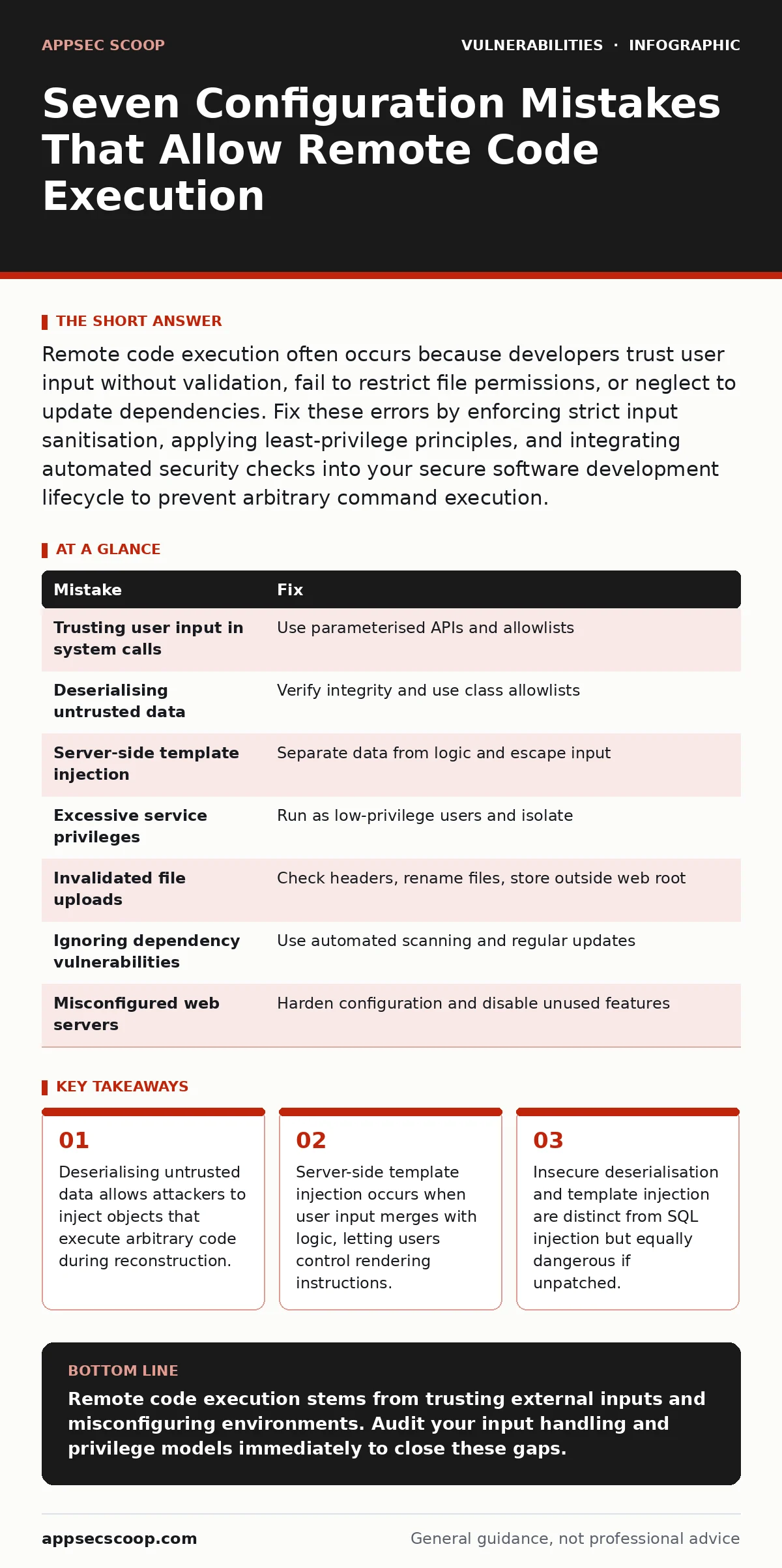
Remote code execution often occurs because developers trust user input without validation, fail to restrict file permissions, or neglect to update dependencies. Fix these errors by enforcing strict input sanitisation, applying least-privilege principles, and integrating automated security checks into your secure software development lifecycle to prevent arbitrary command execution.
Mistake 1: Trusting User Input in System Calls
Passing user-supplied data directly into system commands creates an immediate path for remote code execution. This happens when an application constructs a command string using input from a web form or API request without sanitisation. The operating system executes the entire string, including any malicious additions appended by the attacker. This bypasses application-level security controls entirely.
Why it hurts:
The attacker gains full control over the command line. They can chain commands to read sensitive files, install backdoors, or pivot to other systems. The damage depends on the privileges of the process running the command. If the service runs as root or administrator, the entire host is compromised. This is a direct violation of the principle of least privilege.
The fix:
Never construct command strings by concatenating user input. Use parameterised APIs that separate data from code. Most modern languages provide functions that pass arguments to system calls as distinct entities. This prevents the shell from interpreting special characters. Validate input against a strict allowlist of expected values before passing it to any system function.
Mistake 2: Deserialising Untrusted Data
Deserialisation converts a stream of bytes back into an object in memory. When an application accepts serialised data from an untrusted source and deserialises it without verification, the attacker controls the object structure. If the application uses classes that execute code during initialisation, the attacker triggers that execution. This is a silent failure mode that often goes undetected in standard scans.
Why it hurts:
The attacker executes code within the context of the application. This allows them to bypass authentication and access internal resources. The complexity of serialisation formats means that standard input validation often misses the malicious payload. The vulnerability exists in the logic of the application, not in a specific library version, making it persistent across updates.
The fix:
Avoid deserialising data from untrusted sources. If unavoidable, implement integrity checks using digital signatures or HMACs. Verify that the data structure matches the expected schema before processing. Use allowlists for permitted classes during deserialisation. This restricts the objects that can be created, preventing the instantiation of dangerous classes.
Mistake 3: Allowing Server-Side Template Injection
Server-side templates merge data with logic to generate output. When user input is included in the template without escaping, the user can inject template directives. These directives often have access to powerful functions and system variables. The application executes these functions during rendering, effectively running user-supplied code on the server. This is common in modern web frameworks that prioritise developer convenience over security.
Why it hurts:
The attacker can read environment variables, access configuration files, and execute system commands. Template engines often expose a wide range of built-in functions for convenience. An attacker can chain these functions to achieve full remote code execution. The impact is severe because the code runs with the permissions of the web server process.
The fix:
Separate data from logic strictly. Never include user input in the template definition. Use context-aware escaping functions provided by the template engine. These functions ensure that special characters are treated as literal text rather than code. Review framework documentation for safe handling of dynamic content. Regular code reviews should focus on template rendering logic.
Mistake 4: Running Services with Excessive Privileges
Applications often run with higher privileges than necessary to simplify development or avoid permission errors. When a service runs as root or an administrator account, any vulnerability in that service grants the attacker elevated access. This includes remote code execution flaws. The attacker inherits the high privileges, allowing them to modify system files and install persistent malware.
Why it hurts:
The blast radius of the exploit expands significantly. Instead of being confined to the application’s sandbox, the attacker controls the operating system. They can disable security logging, modify firewall rules, and access other services. This turns a contained application flaw into a full system compromise. The difficulty of recovery increases because the attacker can hide their tracks.
The fix:
Run application services under dedicated, low-privilege user accounts. Use operating system features to restrict file and network access for these accounts. Implement containerisation or virtualisation to isolate the application further. Regularly audit process permissions to ensure no drift towards higher privileges. This limits the damage even if remote code execution is achieved.
Mistake 5: Failing to Validate File Uploads
File upload features are frequent targets for remote code execution. If the application saves uploaded files with their original names and extensions, or places them in a web-accessible directory, an attacker can upload a script. The web server then executes this script when accessed. This is especially dangerous if the server is configured to interpret multiple file types, such as PHP, ASP, or JSP.
Why it hurts:
The attacker gains a persistent foothold on the server. They can upload a web shell that provides remote access. This shell survives application restarts and patches. The attacker can use it to exfiltrate data, launch further attacks, or deface the site. The persistence makes detection difficult because the file appears to be legitimate user content.
The fix:
Validate file uploads by checking the file header, not just the extension. Rename uploaded files to random strings to prevent execution. Store files outside the web root directory. Set strict MIME type restrictions on the server configuration. Use a web application firewall to block known malicious file signatures. This multi-layered approach reduces the risk of successful upload exploitation.
Mistake 6: Ignoring Dependency Vulnerabilities
Modern applications rely on many third-party libraries. If a library contains a remote code execution flaw, your application inherits that risk. Developers often assume that dependencies are secure. They fail to monitor for new vulnerabilities or update libraries promptly. This creates a hidden attack surface that is difficult to manage without automated tools.
Why it hurts:
The attacker exploits a flaw in a component you did not write. You may not know the flaw exists until it is actively exploited. Patching requires updating the library, which can introduce breaking changes. This delays remediation and leaves the system exposed. The complexity of dependency trees makes it hard to track all affected components.
The fix:
Integrate software composition analysis tools into your secure software development lifecycle. These tools identify vulnerable dependencies automatically. Prioritise updates based on severity and exploitability. Subscribe to security advisories for critical libraries. Regularly scan your environment for outdated components. This proactive approach reduces the window of exposure for known flaws.
Mistake 7: Misconfiguring Web Servers
Web servers often come with default configurations that are permissive. These defaults may enable unnecessary modules, allow directory listing, or permit execution in upload directories. Administrators frequently leave these settings unchanged after installation. This misconfiguration provides attackers with additional attack vectors to achieve remote code execution.
Why it hurts:
The attacker exploits the server’s flexibility against it. They may find a way to execute code through a misconfigured handler or a leftover test file. The server’s broad capabilities mean that many file types can be executed. This increases the likelihood of a successful exploit. The misconfiguration is often overlooked during routine security checks.
The fix:
Disable unnecessary modules and features. Restrict execution permissions for directories that should only serve static content. Regularly review server logs for unusual activity. Implement a risk-based vulnerability management program to identify and remediate configuration errors. This reduces the attack surface significantly.
| Mistake | Fix |
|---|---|
| Trusting user input in system calls | Use parameterised APIs and allowlists |
| Deserialising untrusted data | Verify integrity and use class allowlists |
| Server-side template injection | Separate data from logic and escape input |
| Excessive service privileges | Run as low-privilege users and isolate |
| Invalidated file uploads | Check headers, rename files, store outside web root |
| Ignoring dependency vulnerabilities | Use automated scanning and regular updates |
| Misconfigured web servers | Harden configuration and disable unused features |
Key takeaways
- Deserialising untrusted data allows attackers to inject objects that execute arbitrary code during reconstruction.
- Server-side template injection occurs when user input merges with logic, letting users control rendering instructions.
- Insecure deserialisation and template injection are distinct from SQL injection but equally dangerous if unpatched.
Remote code execution stems from trusting external inputs and misconfiguring environments. Audit your input handling and privilege models immediately to close these gaps.
Frequently asked questions
How does remote code execution differ from SQL injection?
Remote code execution allows running arbitrary commands on the server, while SQL injection manipulates database queries. Both are severe but target different layers.
Can input validation prevent all remote code execution?
Input validation reduces risk significantly but does not eliminate it. You must also enforce least privilege and secure configurations to mitigate remaining threats.
What is the first step in fixing a remote code execution vulnerability?
Isolate the affected system to prevent further damage. Then analyse the exploit to understand the entry point before applying permanent fixes.
Do web application firewalls stop remote code execution?
Web application firewalls block known attack patterns but cannot catch all novel exploits. They are a layer of defence, not a complete solution.
How this guide was produced: written by the AppSec Scoop editorial team with AI assistance, checked against the public references listed below, and reviewed when the facts change. See our editorial policy or report an error.