
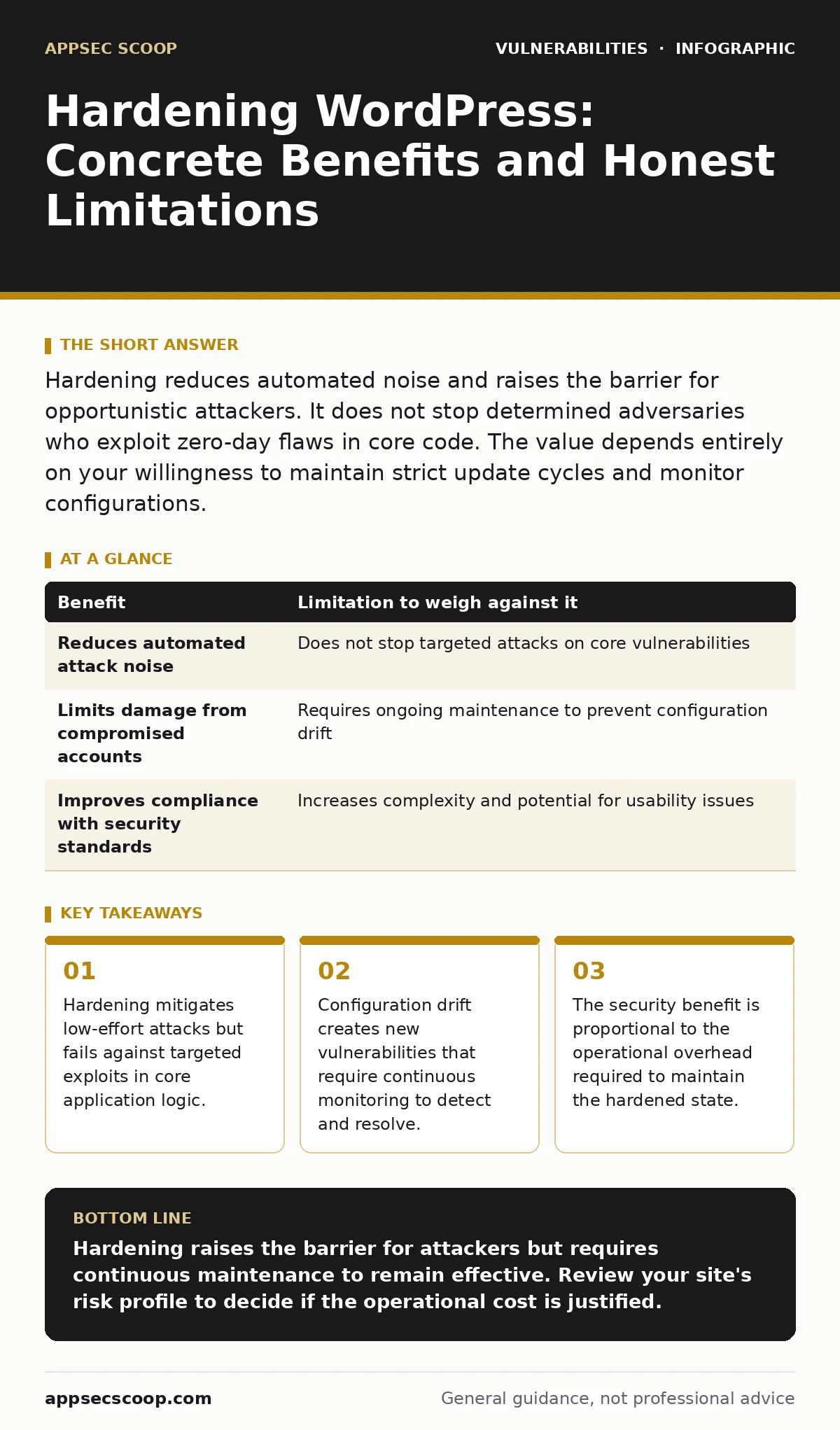
Hardening reduces automated noise and raises the barrier for opportunistic attackers. It does not stop determined adversaries who exploit zero-day flaws in core code. The value depends entirely on your willingness to maintain strict update cycles and monitor configurations.
The Reality of WordPress Hardening
Hardening a WordPress site involves configuring the platform to minimise its attack surface. This process includes disabling unused features, restricting file permissions, and filtering input data. You implement these controls to prevent automated scanners and opportunistic attackers from finding easy entry points. The goal is not to create an impenetrable fortress, but to increase the cost of an attack.
Security operations teams often view hardening as a one-time task. This view is incorrect. Hardening is a continuous discipline. Every plugin update, theme change, or core revision can reverse previous restrictions. You must verify that configurations remain intact after changes. The benefit is reduced noise in your security monitoring. The limitation is the constant need for verification.
Benefits of a Restricted Attack Surface
Restricting access to administrative interfaces reduces the likelihood of brute-force attacks. You achieve this by changing the default login URL or limiting access by IP address. This stops automated scripts from guessing credentials at scale. It does not protect against stolen credentials obtained through phishing or credential stuffing.
Disabling file editing in the admin dashboard prevents attackers from modifying code if they gain access. This control stops a compromised administrator account from injecting malicious scripts directly through the interface. You still need to monitor server logs for unusual activity. File editing restriction adds a layer of defence in depth. It forces an attacker to find a different vector to maintain persistence.
Input validation and output encoding prevent common injection attacks. You must ensure that all user-supplied data is treated as untrusted. This includes data from forms, cookies, and HTTP headers. Proper encoding ensures that special characters are displayed correctly rather than executed as code. This reduces the risk of cross-site scripting and other injection flaws.
Limitations of Configuration-Based Security
Configuration changes do not fix vulnerabilities in the core software or plugins. A misconfigured server cannot stop a remote code execution vulnerability in a popular plugin. If a plugin contains a flaw that allows arbitrary code execution, hardening the surrounding environment offers little protection. The attacker executes code directly within the application context.
Hardening increases the complexity of maintenance. Complex configurations are prone to drift. When you update the core software, previous restrictions may be overwritten or ignored. You must manually re-apply settings or ensure your deployment process includes them. This creates an operational burden that grows with time. Neglecting this maintenance leads to a false sense of security.
The Trade-off Between Security and Usability
Every hardening measure introduces a trade-off. Restricting file permissions may prevent legitimate updates from installing correctly. Limiting access by IP address may block legitimate contributors who work from different locations. You must balance security requirements with operational needs. Over-restriction leads to workarounds that bypass security controls entirely.
Usability impacts also affect content authors. Strict input filtering may break legitimate content formatting. Authors may struggle to insert complex tables or custom HTML. This friction can lead to requests to disable security features. You need clear policies and training to maintain security standards without hindering productivity. The security benefit is only realised if the measures are sustained.
When Hardening Is Worth the Effort
Hardening is worth the effort when the site holds significant value. This includes sites that process sensitive data, handle transactions, or represent a public brand. The cost of a breach in these scenarios is high. The investment in hardening reduces the probability of a successful attack. It also reduces the volume of false positives in security monitoring, allowing teams to focus on genuine threats.
It is also worth it when the site is exposed to the public internet without additional network controls. Sites behind firewalls or web application firewalls have an extra layer of defence. Public-facing sites rely more heavily on application-level hardening. You must accept the ongoing maintenance cost as part of the operational budget. The return on investment is measured in reduced incident response costs and preserved reputation.
When Hardening Is Not Worth It
Hardening is not worth it for temporary or low-risk sites. If a site exists for a short period and contains no sensitive data, the effort outweighs the benefit. The resources spent on hardening could be better used elsewhere. This includes sites used internally behind strict network segmentation. The risk of external attack is already low.
It is also not worth it if the team lacks the skills to maintain the configuration. Hardening requires understanding of web server configurations, database permissions, and application code. If the team cannot verify that settings are applied correctly, the hardening is ineffective. In such cases, it is better to use managed hosting with built-in security controls. Outsourcing the maintenance reduces the risk of configuration errors.
Evaluating the Security Posture
You must evaluate the effectiveness of your hardening measures regularly. This includes testing for common vulnerabilities and verifying configuration settings. Use automated tools to scan for misconfigurations and known vulnerabilities. Combine this with manual reviews of critical components. Regular evaluation ensures that hardening efforts remain effective over time.
Consider the broader context of your security strategy. Hardening is one part of a secure software development lifecycle. It works alongside secure coding practices, regular updates, and incident response planning. Integrating hardening into your development process ensures that new features are secure by design. This approach reduces the need for retroactive fixes.
Weighing Benefits Against Limitations
The table below summarises the key benefits and limitations of hardening a WordPress site. Use this to evaluate whether the effort is justified for your specific context.
| Benefit | Limitation to weigh against it |
|---|---|
| Reduces automated attack noise | Does not stop targeted attacks on core vulnerabilities |
| Limits damage from compromised accounts | Requires ongoing maintenance to prevent configuration drift |
| Improves compliance with security standards | Increases complexity and potential for usability issues |
Practical Implementation Steps
Implement hardening in small, controlled steps. Start with disabling unused features and restricting administrative access. Test each change thoroughly before deploying to production. Monitor logs for unexpected errors or access denials. Gradually introduce more restrictive measures as you gain confidence in the configuration.
Integrate hardening into your deployment process. Use infrastructure-as-code tools to apply configurations automatically. This ensures consistency across environments and reduces the risk of manual errors. Regularly review and update your hardening policies to reflect new threats and changes in the platform.
Key takeaways
- Hardening mitigates low-effort attacks but fails against targeted exploits in core application logic.
- Configuration drift creates new vulnerabilities that require continuous monitoring to detect and resolve.
- The security benefit is proportional to the operational overhead required to maintain the hardened state.
Hardening raises the barrier for attackers but requires continuous maintenance to remain effective. Review your site's risk profile to decide if the operational cost is justified.
Frequently asked questions
Does hardening prevent all WordPress hacks?
No, hardening reduces the risk from automated and opportunistic attacks but cannot stop exploits in core code or plugins.
How often should I review my hardening configuration?
Review configurations after every major update and at least quarterly to detect drift and new threats.
How this guide was produced: written by the AppSec Scoop editorial team with AI assistance, checked against the public references listed below, and reviewed when the facts change. See our editorial policy or report an error.