
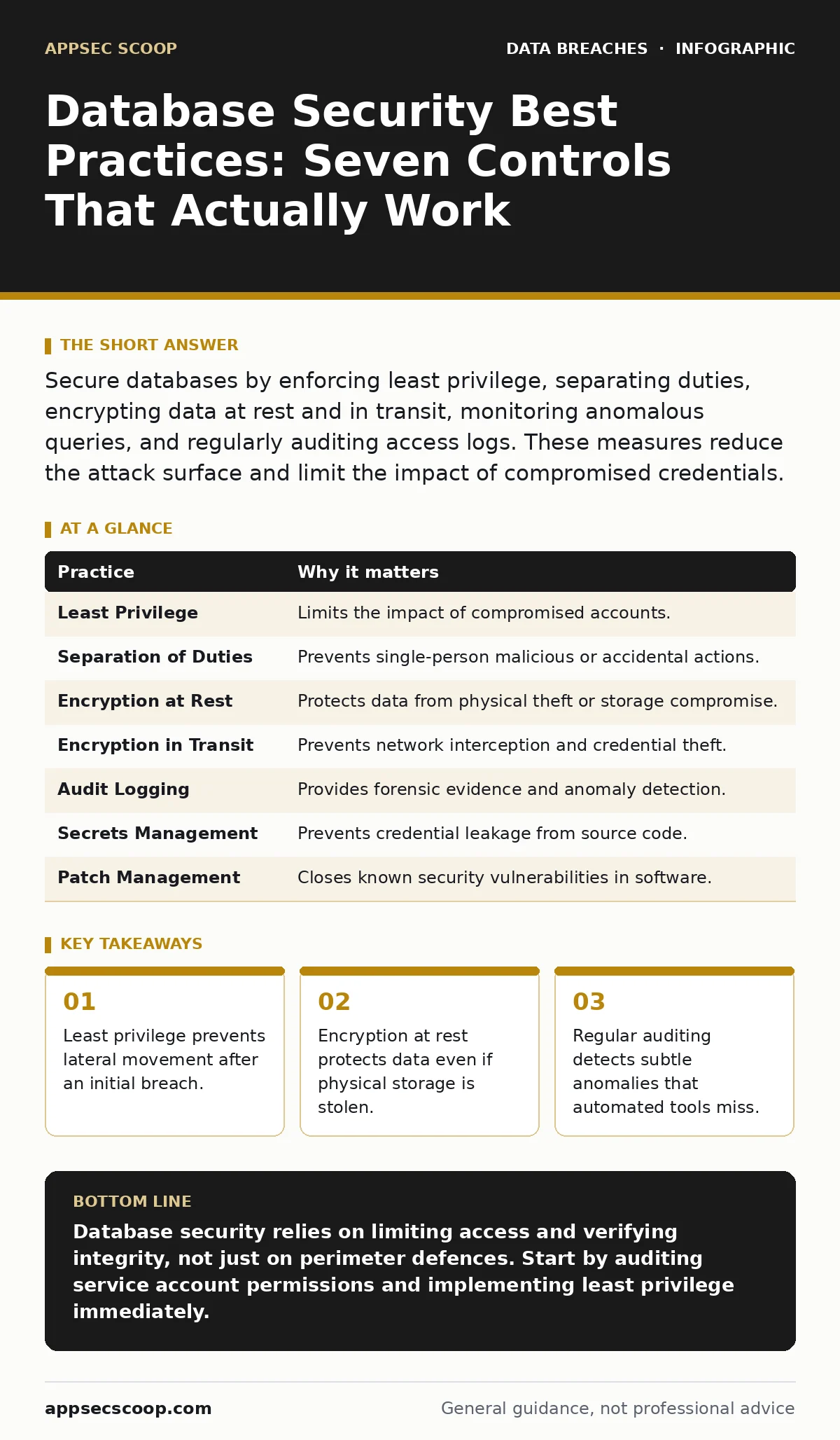
Secure databases by enforcing least privilege, separating duties, encrypting data at rest and in transit, monitoring anomalous queries, and regularly auditing access logs. These measures reduce the attack surface and limit the impact of compromised credentials.
1. Enforce Least Privilege Access
The principle of least privilege dictates that users and services receive only the minimum permissions necessary to perform their specific tasks. This is not merely a recommendation; it is a structural constraint that limits the blast radius of a compromised account. When every application service account has administrative rights, a single vulnerability in one application grants an attacker full control over the entire database cluster. This accumulation of unnecessary rights creates a hidden attack surface that grows silently over time.
You must review service account permissions quarterly. Identify accounts with broader access than their current workload requires and revoke the excess. Least privilege means that a read-only reporting tool should never have write access to transactional tables, regardless of historical configuration habits.
2. Separate Administrative Duties
Single points of failure in human processes are as dangerous as technical vulnerabilities. When one individual holds both development and production administrative rights, you remove the final check against accidental or malicious data destruction. This separation of duties ensures that no single person can execute a harmful action without oversight or a second key. It introduces friction, but that friction is the mechanism that stops rash decisions and insider threats.
Implement a break-glass procedure for emergency access. This process requires two authorised individuals to approve and log any emergency administrative action. The logs from this process must be immutable and reviewed by a third party, such as an internal audit team, to ensure accountability.
3. Encrypt Data at Rest
Encryption at rest transforms stored data into ciphertext, which is unreadable without the correct decryption key. This protects the data if physical servers are stolen or if backup tapes are lost. However, encryption alone does not secure the database; it only secures the storage medium. If an attacker gains access to the database engine while it is running, the data is decrypted in memory and vulnerable to extraction.
Use transparent data encryption features provided by your database management system. Ensure that the encryption keys are stored separately from the database itself, ideally in a dedicated hardware security module or a cloud key management service. This separation ensures that stealing the database files does not grant access to the keys needed to read them.
4. Encrypt Data in Transit
Data moving between the application server and the database is vulnerable to interception on the network. Without encryption, an attacker with network access can capture credentials and sensitive payloads. Encryption in transit uses protocols like TLS to create a secure tunnel, ensuring that data remains confidential and intact during transmission. This is particularly critical in hybrid environments where data traverses public networks or untrusted internal segments.
Enforce strict TLS versions and disable older, vulnerable protocols like SSLv3 or TLS 1.0. Configure the database to reject any connection that does not present a valid client certificate. This mutual authentication ensures that only authorised applications can connect, preventing man-in-the-middle attacks that attempt to impersonate legitimate services.
5. Implement Rigorous Audit Logging
Audit logs provide a chronological record of all actions taken against the database. They are the primary tool for detecting anomalies and reconstructing events after a security incident. Without comprehensive logging, you are operating blind, unable to distinguish between normal operational noise and malicious activity. The value of logging lies not in the volume of data, but in the consistency and integrity of the records.
Centralise database logs in a secure, write-only log management system. Do not store logs on the same server as the database, as an attacker who compromises the database can delete local logs to cover their tracks. Ensure that log entries include timestamps, user identities, and the specific SQL commands executed, providing enough detail for forensic analysis.
See also: Third Party Risk Assessment Checklist for Vendor Security · Data Masking: How to Hide Sensitive Data Without Breaking Applications
6. Manage Secrets Securely
Hardcoding database credentials in application source code or configuration files is a persistent and dangerous practice. When credentials are embedded in code, they can be extracted by anyone with access to the repository. Secrets management involves storing credentials in a dedicated vault that rotates them automatically and grants access only when explicitly requested by an authorised service. This eliminates the risk of static credentials being leaked through version control history.
Integrate a secrets management solution with your application deployment pipeline. The application should request credentials at runtime rather than storing them locally. This dynamic approach ensures that credentials are never written to disk in plaintext and are automatically rotated, reducing the window of opportunity for an attacker who might have briefly accessed the environment.
7. Regularly Patch and Update
Database software contains known vulnerabilities that attackers actively exploit. Failing to apply patches leaves these doors open. The delay between a vulnerability disclosure and a patch release is the critical window, but the delay between patch availability and installation is often longer. This lag is where most breaches occur, as attackers scan for outdated versions that are known to be vulnerable.
Establish a automated patching schedule for non-production environments to test compatibility before applying updates to production. Prioritise critical security patches over feature updates. Patch management is not just about installing updates; it is about verifying that the update has resolved the specific vulnerability without introducing new instability or configuration errors.
| Practice | Why it matters |
|---|---|
| Least Privilege | Limits the impact of compromised accounts. |
| Separation of Duties | Prevents single-person malicious or accidental actions. |
| Encryption at Rest | Protects data from physical theft or storage compromise. |
| Encryption in Transit | Prevents network interception and credential theft. |
| Audit Logging | Provides forensic evidence and anomaly detection. |
| Secrets Management | Prevents credential leakage from source code. |
| Patch Management | Closes known security vulnerabilities in software. |
8. Mask Sensitive Data in Non-Production
Developers and testers often require realistic data to ensure application functionality. Providing them with production data containing real personal information creates a significant privacy risk. Data masking replaces sensitive values with realistic but fictitious data, preserving the format and referential integrity required for testing while removing the privacy risk. This practice ensures that even if a non-production environment is compromised, no real personal data is exposed.
Implement dynamic data masking for real-time access and static masking for data extracts. Dynamic masking alters data on the fly based on the user’s role, while static masking creates a new, safe copy of the dataset. Choose the method that best fits your testing requirements and performance constraints.
9. Monitor for Anomalous Queries
Standard access controls prevent unauthorised access, but they cannot stop an authorised user from performing malicious actions. An insider threat or a compromised account with valid credentials can execute destructive queries. Database activity monitoring uses behavioural analytics to detect unusual patterns, such as a user querying thousands of records at once or accessing tables they have never touched before.
Define baseline behaviour for each user and service account. Alert on deviations from this baseline, such as access outside normal working hours or unusual query complexity. These alerts allow security teams to investigate potential threats in real-time, rather than discovering them after the data has been exfiltrated. For further reading on how long attackers can remain hidden, see our guide on breach dwell time.
Key takeaways
- Least privilege prevents lateral movement after an initial breach.
- Encryption at rest protects data even if physical storage is stolen.
- Regular auditing detects subtle anomalies that automated tools miss.
Database security relies on limiting access and verifying integrity, not just on perimeter defences. Start by auditing service account permissions and implementing least privilege immediately.
Frequently asked questions
How often should database permissions be reviewed?
At least quarterly, or immediately after any significant change in staff roles or application architecture.
Is encryption at rest enough to protect my data?
No, it only protects stored data. You must also encrypt data in transit and manage access controls to prevent runtime exposure.
What is the difference between data masking and encryption?
Encryption protects data by making it unreadable without a key, while masking replaces sensitive data with fictitious values for safe use in testing.
Should developers have access to production databases?
Generally, no. Developers should use masked copies of data in non-production environments to prevent accidental exposure or modification.
How this guide was produced: written by the AppSec Scoop editorial team with AI assistance, checked against the public references listed below, and reviewed when the facts change. See our editorial policy or report an error.